

The five things that matter
- Task first, tool second. Loom is used for short messages, click-through guides and process documentation, and each of these jobs has better-suited tools.
- For video messages: Cap, Tella and Claap cover Loom's core, with differences in data storage, editing and price.
- For click-through guides: Scribe, Tango, Guidde, FlowShare, Folge and iorad turn clicks into a sequence of steps, and some tools do the same from a video recording.
- For processes beyond the screen: At the machine, line or workbench you need camera recordings and a maintained, findable version. Clypp turns a phone recording at the workstation into a step-by-step guide with video and voice-over.
- Loom often remains the right choice when a team works deep inside Jira and Confluence.
The search for a Loom alternative usually starts with a specific annoyance: the limit on the free plan, the price per user, the question of where the servers are. The right answer, however, depends less on the annoyance than on the job Loom actually does in the team.
This comparison draws on two perspectives: the Loom comparisons by letsbecrazy.de and remote-job.net, two German sites about remote work, and two articles by the German software comparison portal Digital Affin on process documentation and interactive guides. All prices and plan details were checked on the vendors' pricing pages on 29 September 2026.
Why teams look for a Loom alternative
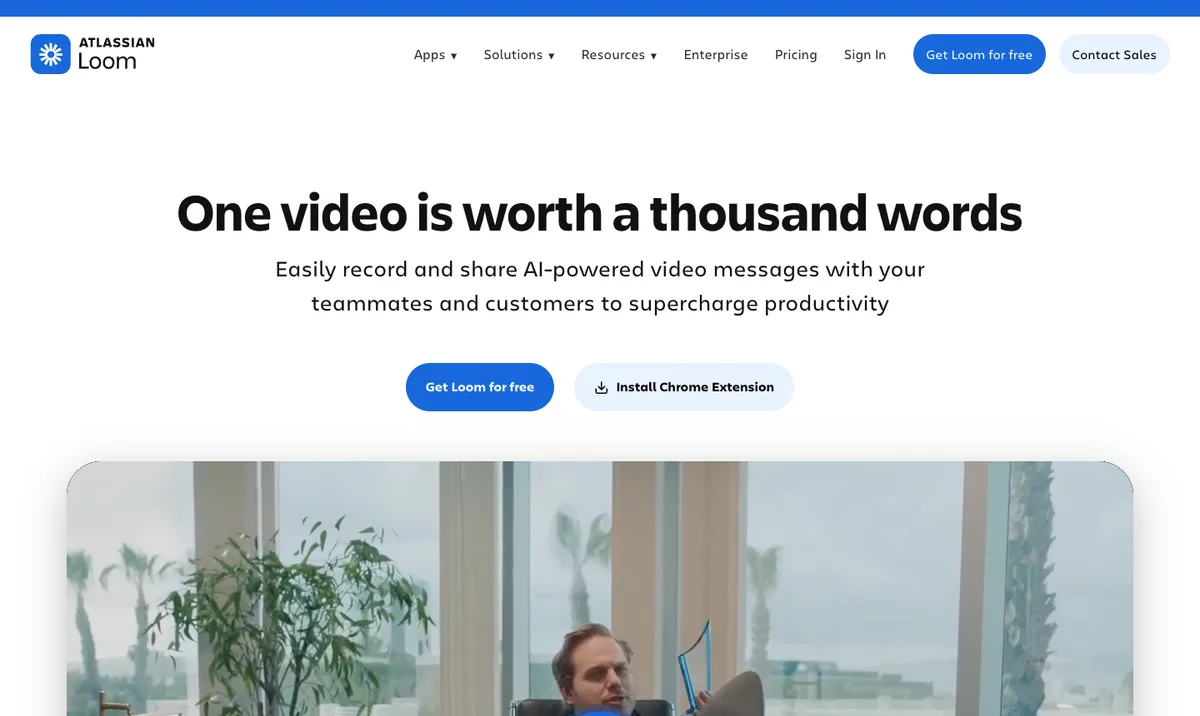
Loom has belonged to Atlassian since the acquisition. According to Loom's pricing page, the free Starter plan allows up to 25 videos per person, screen recordings of up to five minutes and video quality up to 720p. The Business plan costs 18 US dollars per user per month, or 24 US dollars with AI features.
remote-job.net runs the numbers in its comparison "Loom Alternative 2026: 5 Video-Messaging-Tools für Remote-Teams" (in German) for a team of ten and arrives at 180 US dollars a month. letsbecrazy.de lists further reasons for switching in "Loom-Alternative: Die 10 besten Tools fuer Bildschirmaufnahmen und Async-Videos [2026]" (in German): data stored on US servers and uncertainty about how Loom will develop within the Atlassian ecosystem.
The first question: what does the team actually use Loom for?
Both comparisons reach the same conclusion at this point. remote-job.net puts it like this at the end of its selection:
"The choice depends on what the team mainly uses Loom for and which requirements come to the fore."
remote-job.netComparison "Loom Alternative 2026"Translated from GermanSource: remote-job.net, "Loom Alternative 2026: 5 Video-Messaging-Tools für Remote-Teams"Accordingly, the software comparison portal Digital Affin distinguishes three classes of tools in its article "Prozesse dokumentieren" (in German): software for step-by-step guides, screen recording programs and digital whiteboards. Applied to typical Loom use, that gives three jobs: the short video message, the click-through guide for a piece of software and the work instruction for a process that has to be shown. Clypp, the company behind this blog, is built for that third job, and it is the one most Loom comparisons leave out.
For short video messages: Cap, Tella and Claap
Anyone who mainly uses Loom for updates, feedback and short explanations within the team is looking for a replacement in the narrow sense. remote-job.net deliberately limited its selection to video messaging for remote teams and gives a clear recommendation for the switch:
"Anyone switching from Loom right now should start with Cap: the built-in Loom importer makes migrating existing videos straightforward."
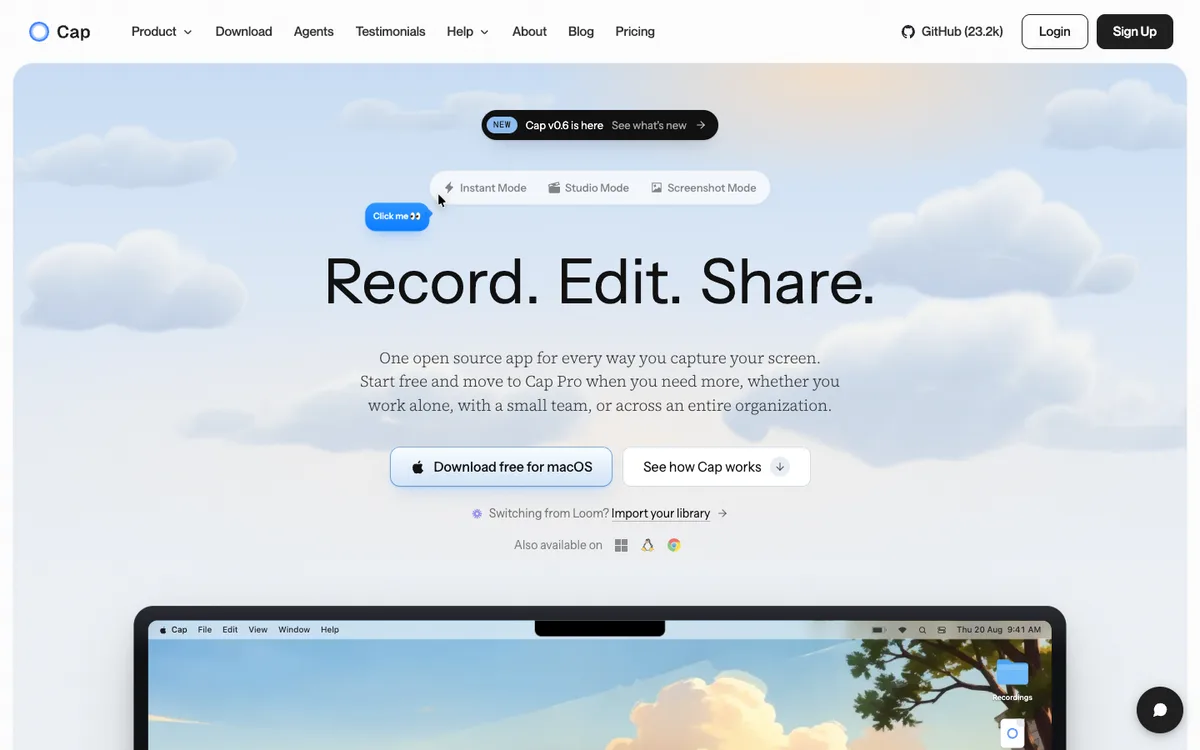
remote-job.netComparison "Loom Alternative 2026"Translated from GermanSource: remote-job.net, "Loom Alternative 2026: 5 Video-Messaging-Tools für Remote-Teams"Cap is open source, with the code on GitHub, mostly under the AGPLv3 licence. The tool can be self-hosted or connected to your own S3 storage, so recordings never have to leave your own infrastructure. According to the vendor, Cap Pro costs 12 US dollars per user per month, or 8.16 US dollars with annual billing.
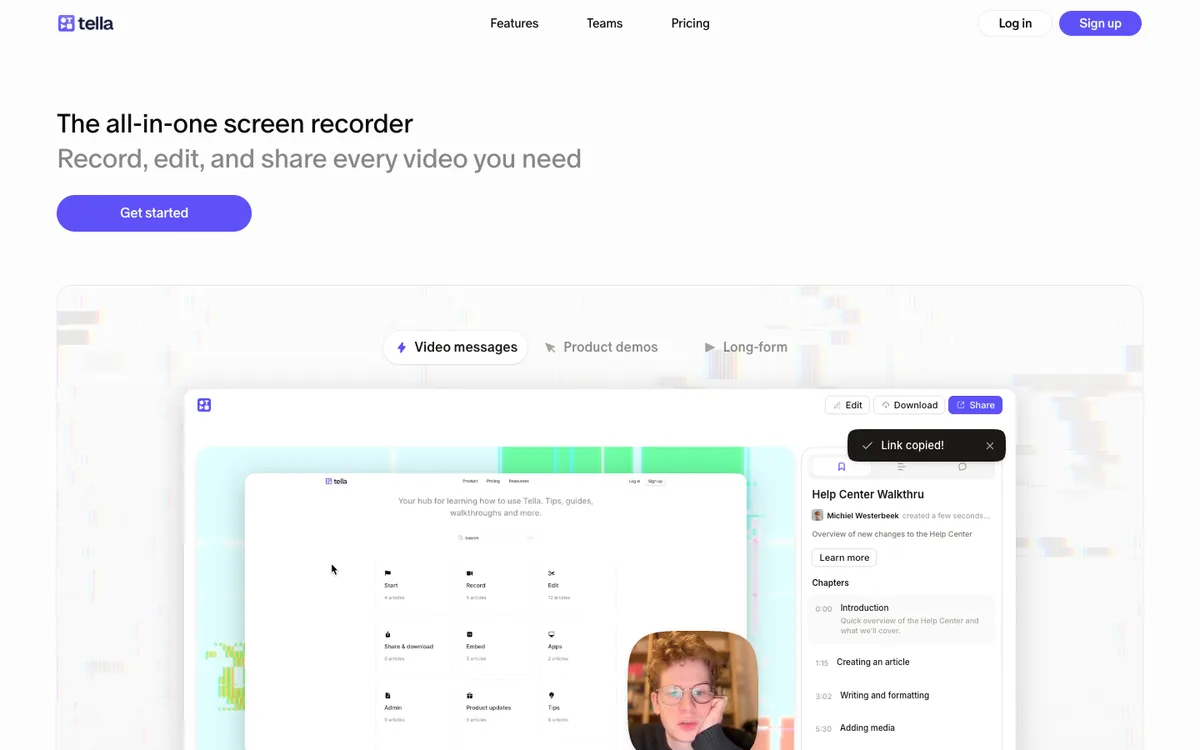
Tella focuses on well-designed recordings with layouts, backgrounds and editing in the browser. That is why remote-job.net rates Tella highest for onboarding videos, customer demos and internal knowledge updates. According to the vendor, the Pro plan costs 13 US dollars per user per month with annual billing.
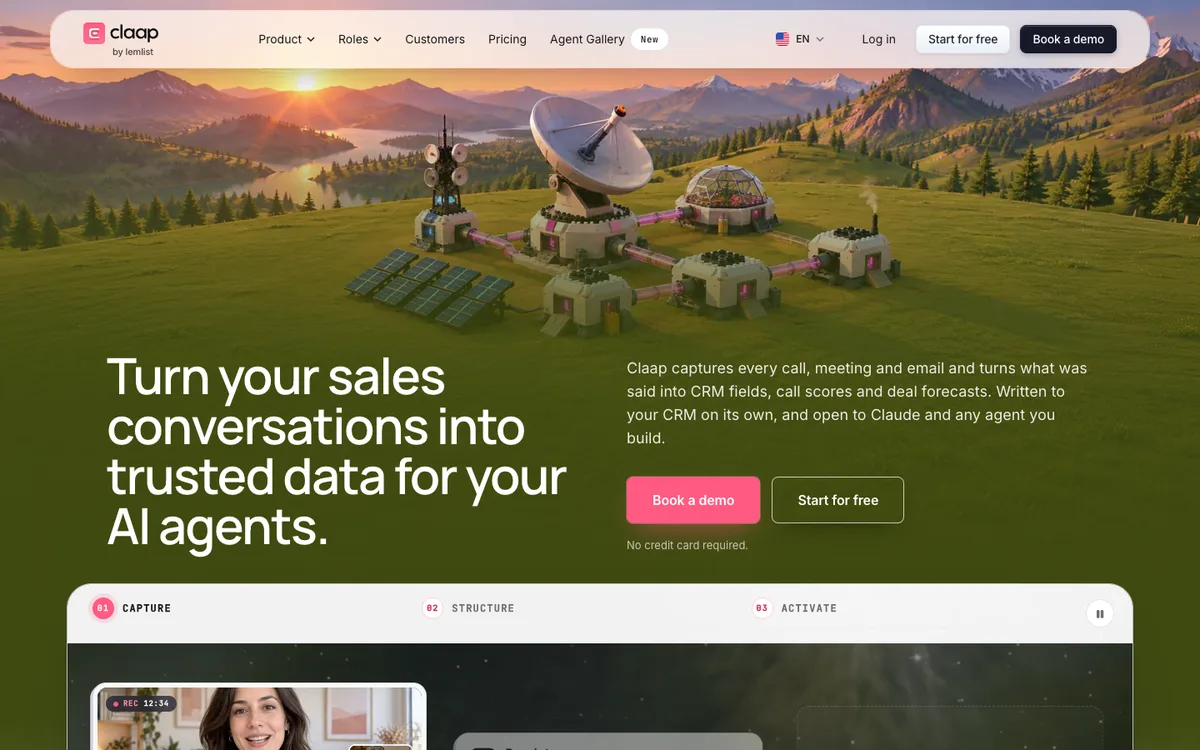
Claap combines video messages with meeting recordings and AI summaries. The vendor advertises hosting in the EU, GDPR compliance and SOC 2 Type II certification. letsbecrazy.de names Claap, alongside Cap, as the best option on its list where GDPR is concerned.
For special cases, letsbecrazy.de names further tools: Vidyard for sales teams, with CRM integration, Descript for editing via the transcript, and OBS Studio as free, open source software for local recordings, though without its own sharing link.
Clypp, the company behind this blog, also records screen and webcam in the browser and shares the result by link. It is built for recordings that are meant to last, though: guides and instructions rather than one-off messages. More on that below.
For click-through guides: Scribe, Tango, Guidde and more
Some Loom videos are really guides: how to create a record in a system, pull a report or grant an approval. Jan Siebert, founder of Digital Affin, describes in "Tutorials & interaktive Anleitungen erstellen" (in German) where classic documentation fails here:
"I used to try to document processes with screenshots and long texts myself. But I quickly realised that hardly anyone takes the time to actually read such a guide."
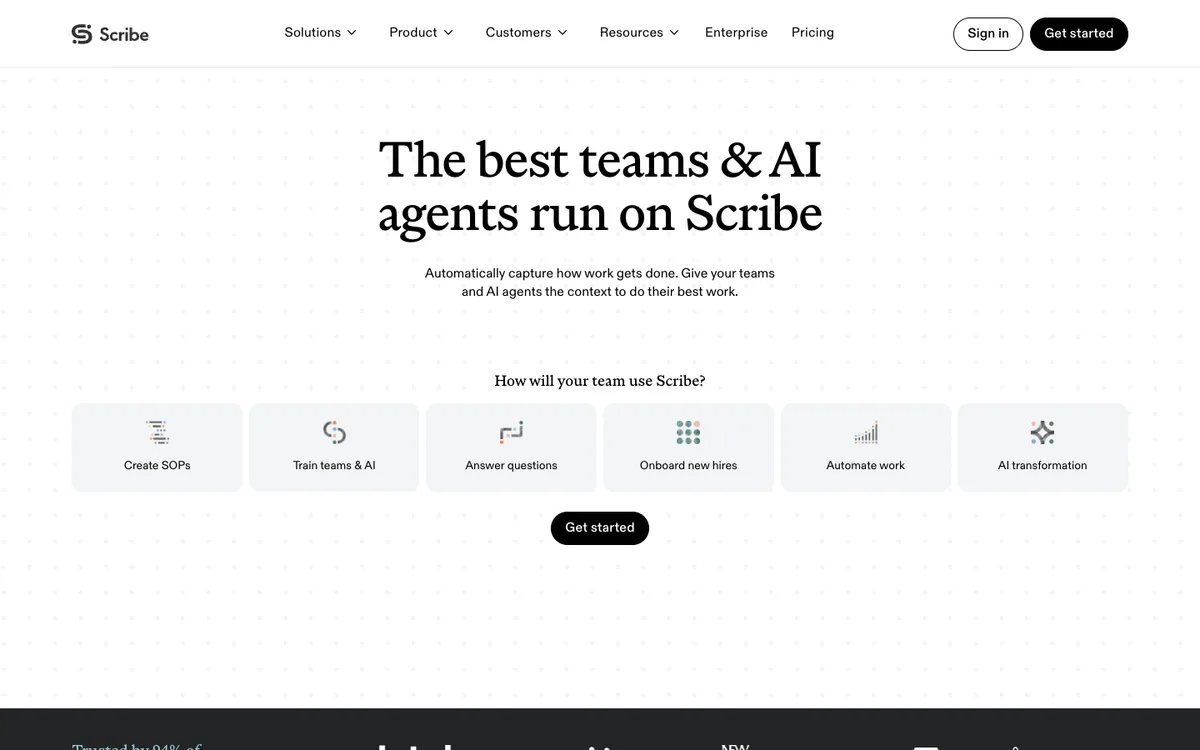
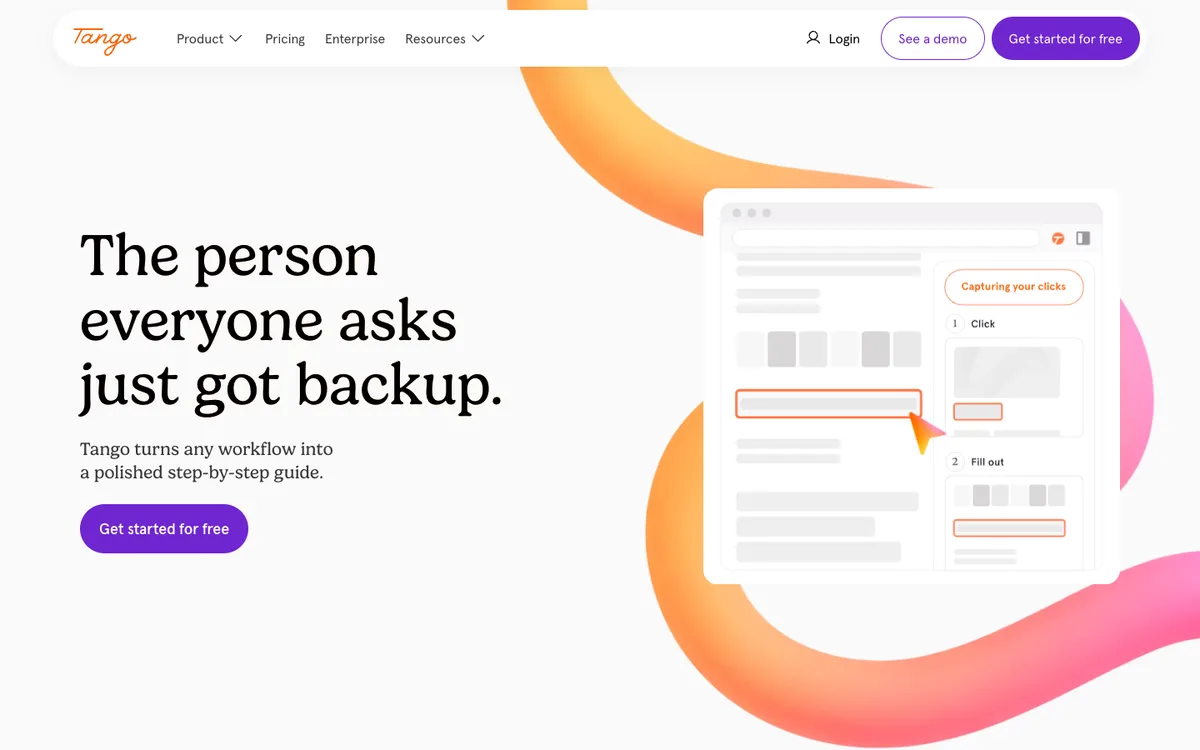
Jan SiebertFounder of Digital AffinTranslated from GermanSource: Digital Affin, "Tutorials & interaktive Anleitungen erstellen leicht gemacht"Scribe and Tango are built for this job. Both record clicks and automatically turn them into a sequence of steps with screenshots that can be shared as a link or embedded. On the free plans this only works in the browser, and both capture desktop applications only on paid plans. Tango limits the free plan to five shared workflows.
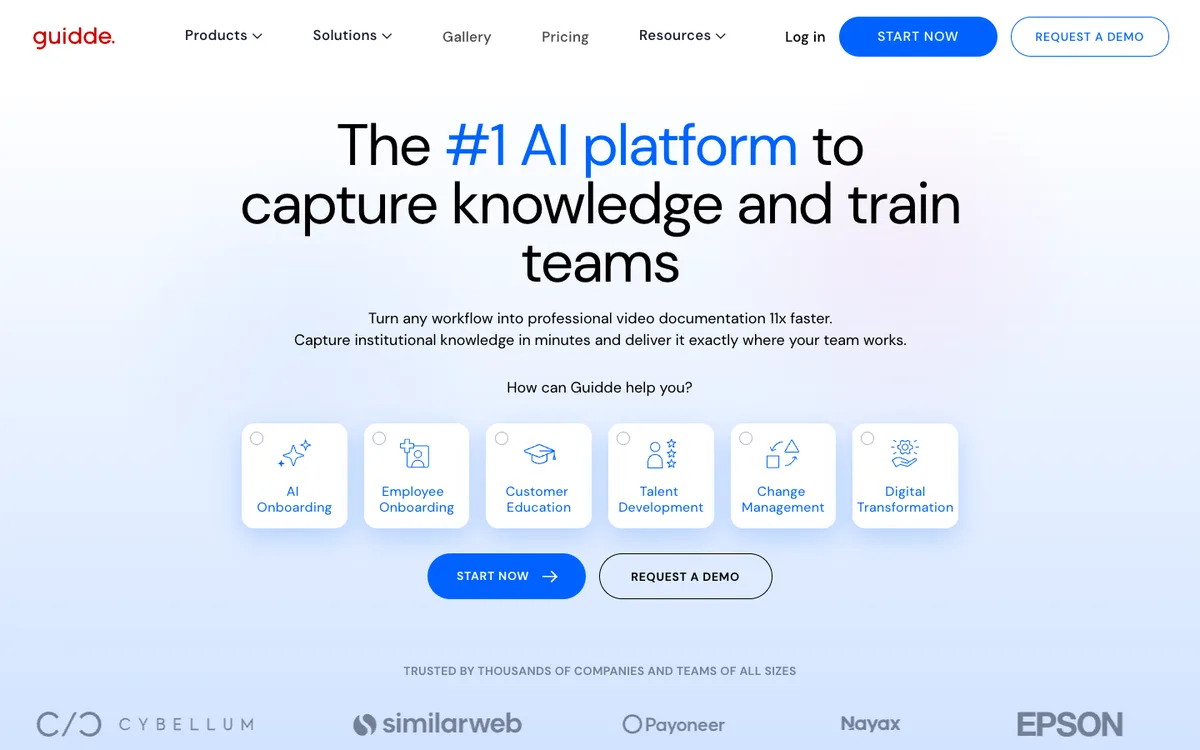
Guidde turns the click sequence into a short how-to video with an AI voice. The free plan covers up to 25 how-to videos for web applications; desktop applications are only included in the Business plan at 39 US dollars per creator per month with annual billing.
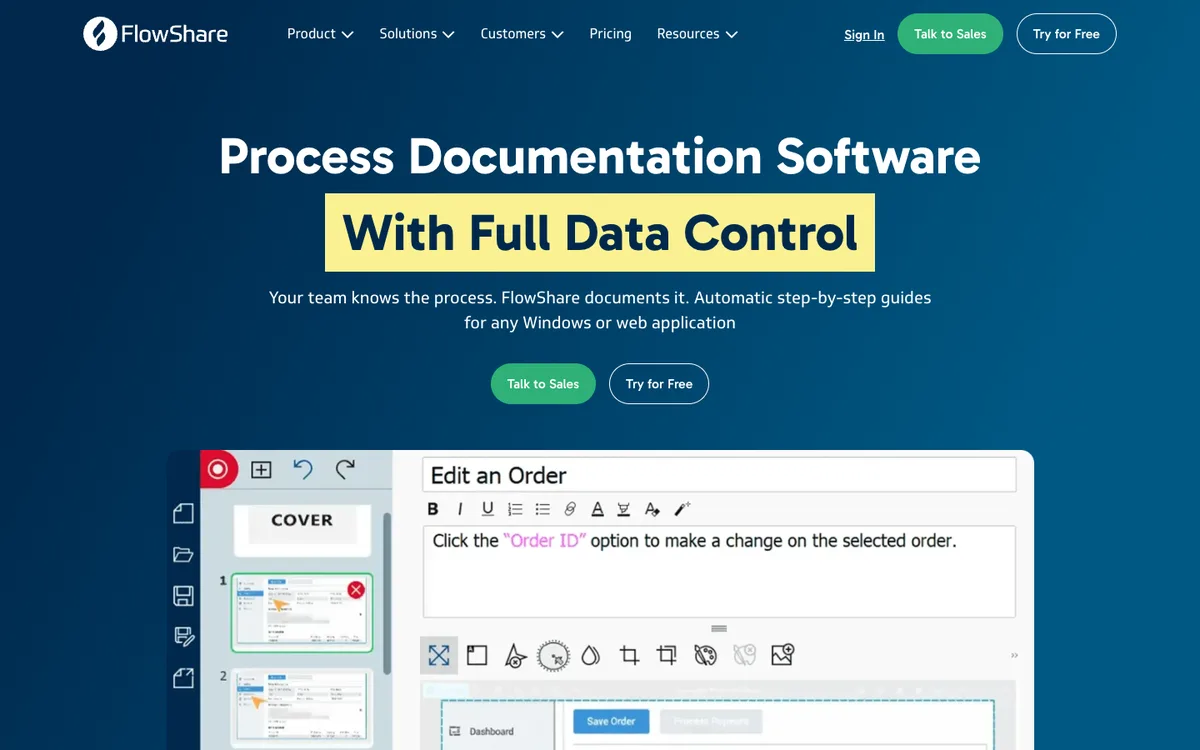
FlowShare by miraminds records workflows in desktop applications and the browser, explicitly including SAP, and turns them into a guide in your own design. The Professional plan costs 37.50 euros per author per month with annual billing. Digital Affin also lists FlowShare in its overview.
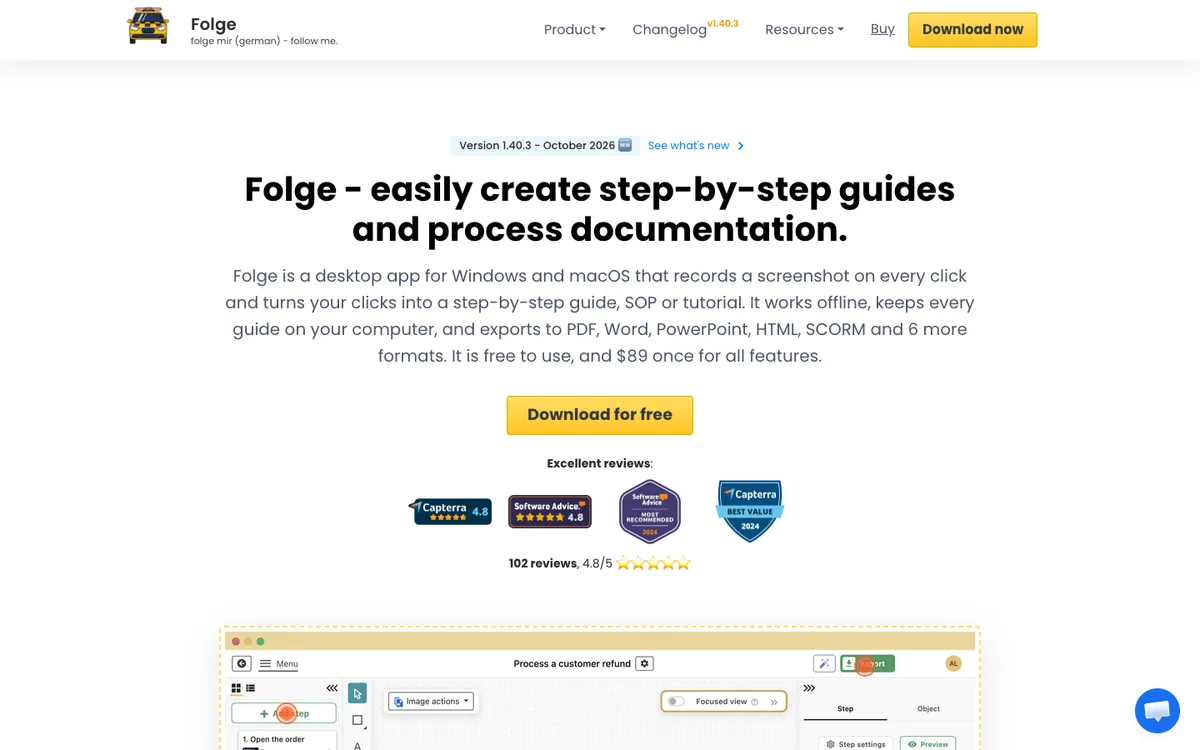
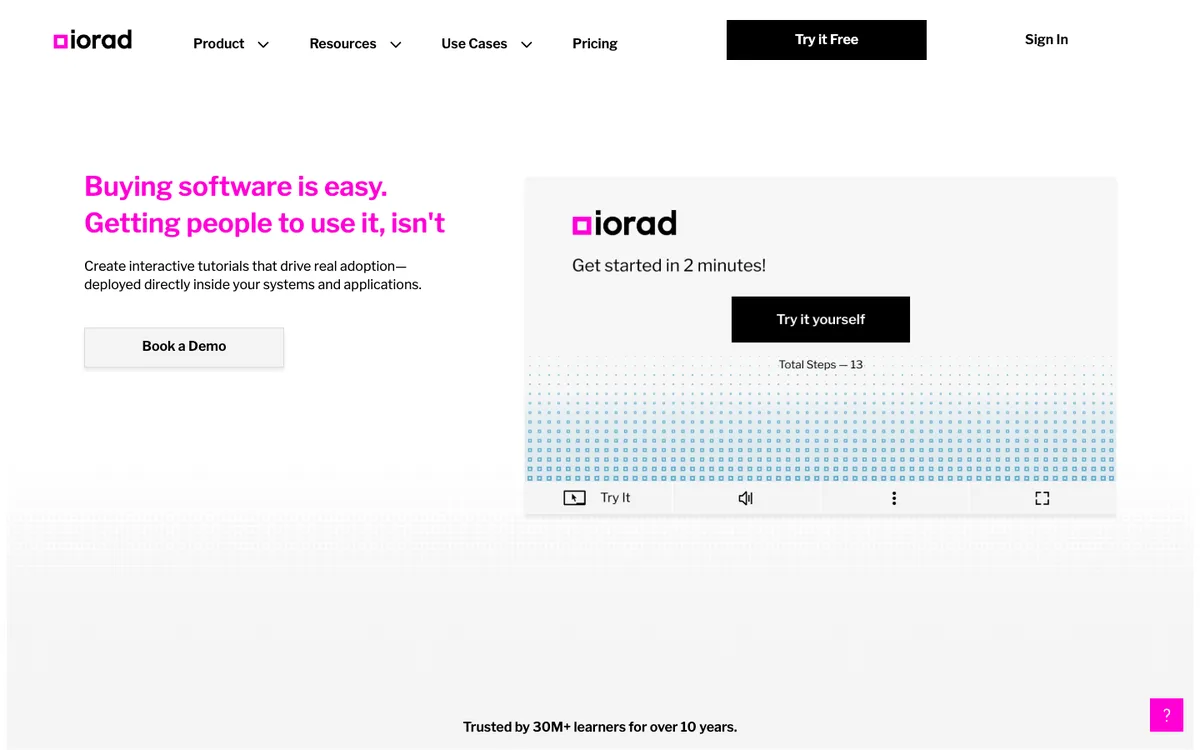
Folge stores all guides exclusively locally and does without a subscription: the personal licence costs a one-off 75 euros, and five guides are free. iorad focuses on interactive tutorials that learners click through themselves, watch or take as a quiz. Paid plans start at 200 US dollars a month for one author.
The limit of pure click tools is the screen. Whatever does not happen as a click in an application is not captured as a step.
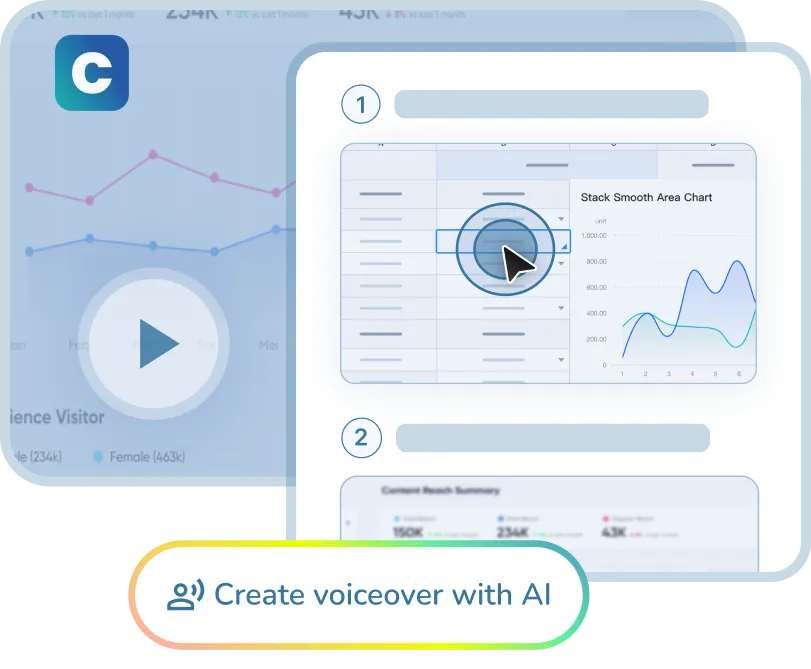
Clypp, the company behind this blog, takes a different route: the step-by-step guide is created from a recording rather than from logged clicks. You record the screen and talk through the task, just as you would in a Loom video. Clypp cuts the recording, generates a screenshot, a step title and an instruction for each step, and adds the video with an AI voice-over that can be translated into more than 100 languages. Because the whole screen is recorded rather than clicks in a browser tab, desktop applications such as SAP GUI and sessions via Citrix are covered too, including on the free plan. When something changes, the affected step is recorded again instead of revising a document.
When the process does not happen on screen
Cornelius Rück, online editor at Digital Affin, sorts the tools by type of process in "Prozesse dokumentieren" and notes that not all documentation needs a flowchart:
"But not every process needs such extensive documentation in a flowchart. For small guides and the like, short screen recordings in which the task is shown and explained step by step are often enough."
Cornelius RückOnline editor at Digital AffinTranslated from GermanSource: Digital Affin, "Prozesse dokumentieren"The same principle applies to processes at the machine, line or workbench: show and explain, step by step. But neither a screen recorder nor a click tool helps there, because the work is done by hand. On top of that comes a requirement that video messages do not have: a work instruction has to be findable, available in its valid version and updated after a process change.
That rules out the click tools and leaves tools that work with camera recordings. Three questions help with the choice: can a single step be re-recorded without producing everything again? Is there approval and versioning? And is the instruction available where the question arises, for example via a QR code at the machine? For quick messages between colleagues, however, such a tool is more than needed.
Clypp: work instructions from a phone recording
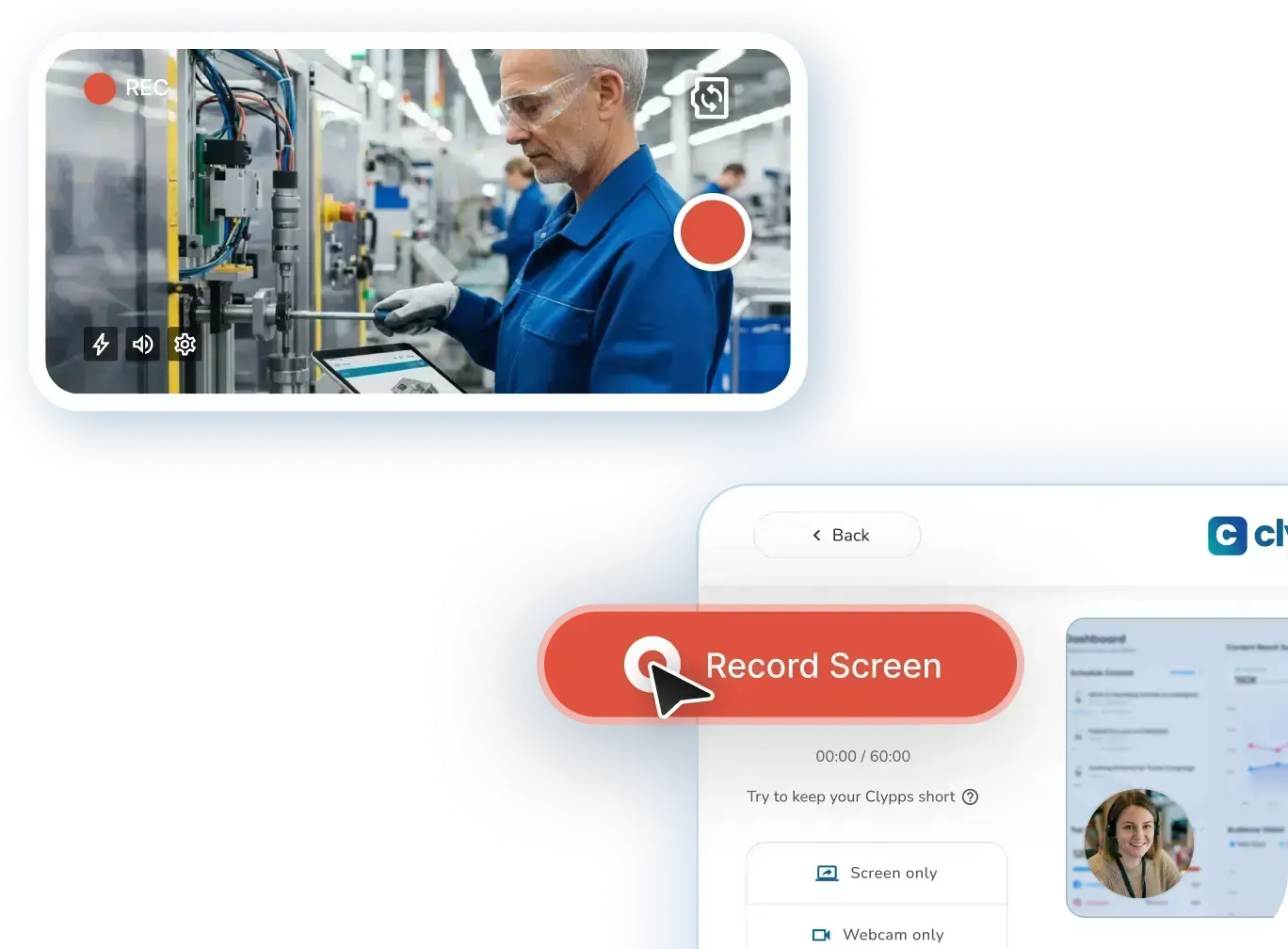
This is the job Clypp was built for, and it is where the tools in this comparison part ways. The click tools cannot capture a manual task, because there is no click to log. The video recorders can film it, but the result stays a single clip that someone has to watch from start to finish. Clypp combines the two: the person who knows the task films it with a phone or tablet while doing it, explains as they go, and Clypp turns the recording into a step-by-step guide.
| Tools in this comparison | Can capture manual work | Turns it into a step-by-step guide |
|---|---|---|
| Video recorders: Loom, Cap, Tella, Claap | Yes, as a video | No, it stays one clip |
| Click tools: Scribe, Tango, Guidde, FlowShare, Folge, iorad | No, there is no click to log | Only for clicks on screen |
| Clypp | Yes, with a phone or tablet | Yes, automatically: image, title and instruction per step |
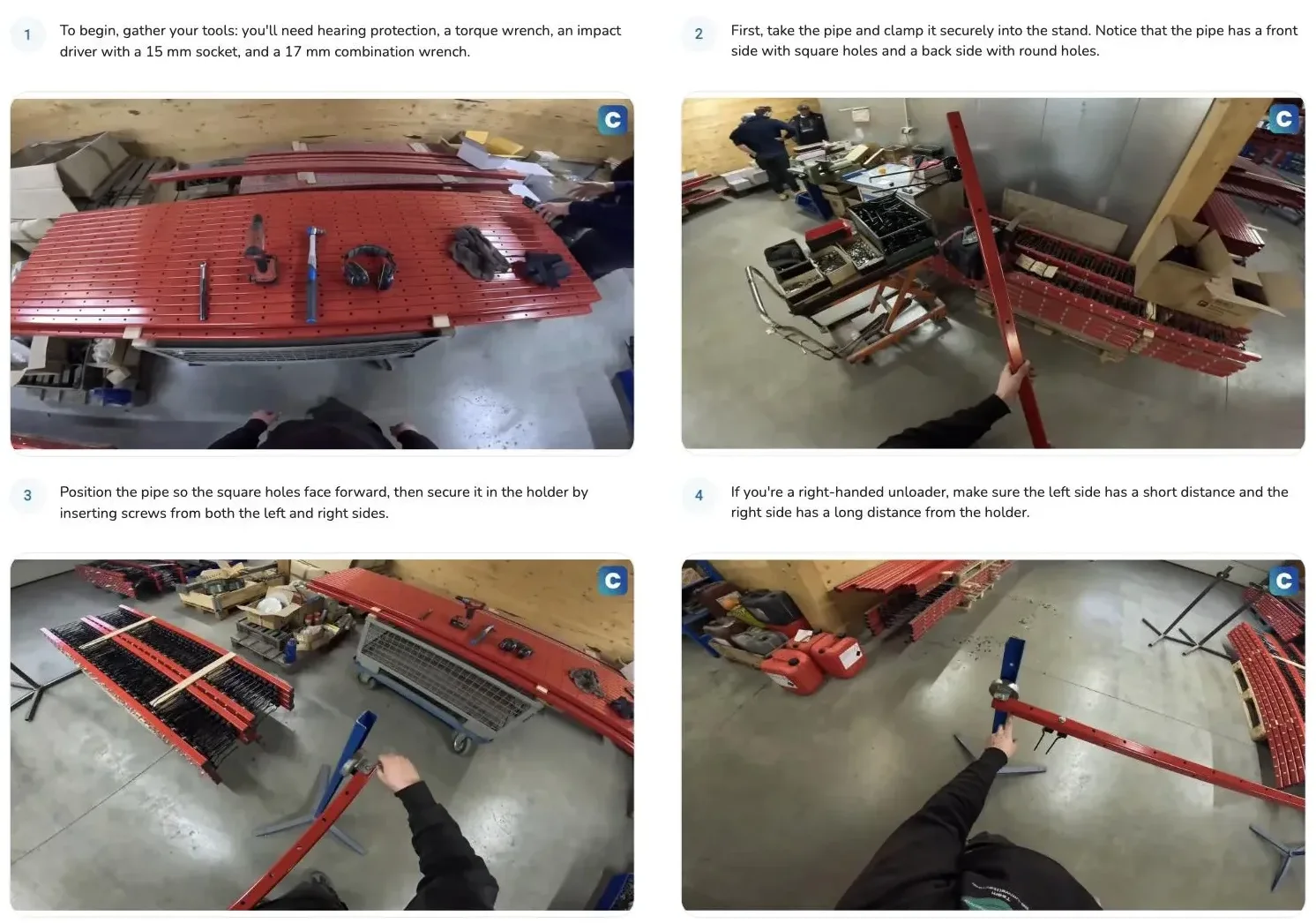
How it works at the workstation:
1. Record while working. Phone or tablet in one hand, the task in the other, explaining as you go. No script, no camera team.
2. Clypp structures it. Pauses are cut, the noise of the hall is suppressed, and the recording is split into steps, each with an image, a title and an instruction. An AI voice-over can be added and translated into more than 100 languages.
3. Check and approve. Faces of colleagues in the picture can be blurred automatically, which often matters to the works council, and content goes through an approval before it is published.
4. Use it at the machine. A QR code at the station opens the guide on a tablet or phone. The mobile app also plays content offline, and guides can be embedded in existing systems such as Teams or SAP.
5. Change one step, not the whole instruction. When the process changes, the affected step is re-recorded. Nothing has to be rewritten.
.webp)
In practice this is what makes the difference on the shop floor. At Rosenberger, more than 500 tutorials were created in the first six months, and at RATIONAL Clypp was in active use in production 14 days after kickoff. Elementar, a maker of laboratory instruments, is another company that documents its processes this way.
Which tool for which job?
Short video message, feedback, status update: Cap, Tella or Claap. Anyone moving from Loom who wants to take existing videos along should start with Cap.
Click-through guide for software: Scribe, Tango or Guidde in the browser, FlowShare or Folge for desktop applications too, iorad for interactive click-along. If the same recording should also produce a video with voice-over: Guidde or Clypp, and Clypp also covers desktop applications such as SAP GUI.
Work instruction for a process at a machine or workstation: Clypp, with camera recording, automatic step sequence, approval and QR access at the machine. None of the click tools covers this job.
Software guides and shop-floor instructions in one library: Clypp.
Deep integration with Jira and Confluence: keep Loom.
For a detailed comparison of platforms for SOPs and work instructions, see our article AI tools for SOPs in 2026.
When Loom remains the right choice
Switching is not always worth it. letsbecrazy.de devotes a section of its own to this and names integration with the Atlassian ecosystem as the strongest argument:
"Loom is deeply integrated into Confluence and Jira. Videos can be embedded directly in issues and pages."
letsbecrazy.deComparison "Loom-Alternative: Die 10 besten Tools"Translated from GermanSource: letsbecrazy.de, "Loom-Alternative: Die 10 besten Tools fuer Bildschirmaufnahmen und Async-Videos [2026]"According to letsbecrazy.de, existing enterprise licences also count, where the cost of switching often outweighs the savings. Teams that have rolled out Loom via SSO and mainly work with video in Jira tickets and Confluence pages are usually better off with Loom Business than with a move.
Frequently asked questions about Loom alternatives
Which Loom alternative is free?
Cap is free for personal use, local recordings have no time limit, and shared links are limited to five minutes on the free plan. Scribe, Tango and Guidde have free plans for click-through guides in the browser, Folge is free for five guides, and Claap has a free plan with 300 recording minutes in total. OBS Studio is completely free, but without a sharing link.
Clypp also has a free plan: 25 contents, up to five users and recordings of up to five minutes, from the screen or the camera.
Which Loom alternative is best for data protection?
The most control comes from a tool whose data never leaves your own infrastructure: Cap can be self-hosted or connected to your own S3 storage. Claap advertises hosting in the EU. Whether a tool is permissible in your company is ultimately settled by a data processing agreement with the vendor, not by its marketing claim.
Clypp, the company behind this blog, hosts exclusively in the EU, is certified to ISO 27001 and signs a data processing agreement.
Can existing Loom videos be migrated?
Cap offers a dedicated importer for Loom videos. For other vendors, it is worth checking the documentation before switching.
Is a screen recorder enough for process documentation?
For short on-screen guides, often yes, as Digital Affin also notes. As soon as processes take place away from the screen, or an instruction has to be approved and kept up to date, you need more than a shared recording.
Clypp covers both in one tool: screen recordings for software and camera recordings for manual work, turned into step-by-step guides that are approved, shared and updated one step at a time.
There are plenty of Loom alternatives, and most comparisons rank them by price. The more useful question is what job the video has to do. For messages, speed and sharing count; for click-through guides, the automatic sequence of steps; for work instructions, the valid version at the place of work. The third job is what Clypp is built for, and it covers the second along the way.
In a nutshell: for quick messages, Cap, Tella or Claap are enough. For teams in production and industry, Clypp is the best Loom alternative, because it is the only tool in this comparison that turns work at the machine into a step-by-step instruction that can be found, approved, translated and kept up to date, and it handles software guides as well.
When a video message needs to become a work instruction.
A screen recorder is enough for quick updates. For processes that have to be found, understood and kept up to date, Clypp is built for the job: record while the work happens and turn it into a video instruction with a sequence of steps that is re-recorded, not rewritten, when something changes.
- Screen or camera: including processes at the machine and workstation.
- Automatic step sequence: pauses out, explanation and voice-over in.
- Changes without a new production: simply re-record the affected step.
Clypp is a software platform from Germany for video work instructions. In use at RATIONAL, Rosenberger and Elementar, among others.
The voices quoted
Max Benz
letsbecrazy.de and remote-job.net
According to the imprint, Max Benz is the provider of both sites. On letsbecrazy.de, Max and Lisa write about remote work and life as a remote family, with a series of its own on tool alternatives. remote-job.net is a job board for remote and home-office positions with its own advice section. Both comparisons quoted here appear without an author line.
Jan Siebert
Founder of Digital Affin
According to his author profile, Jan Siebert assesses business software for German-speaking SMEs, focusing on real use cases rather than feature lists. Digital Affin is a brand of tomorrow web GmbH in Amberg, of which he is managing director.
Cornelius Rück
Online editor at Digital Affin
Cornelius Rück writes for Digital Affin on topics including data protection, security and digitalisation, and on how digital tools can be used safely.
Sources
- letsbecrazy.de (Max Benz), "Loom-Alternative: Die 10 besten Tools fuer Bildschirmaufnahmen und Async-Videos [2026]" (in German), 3 May 2026.
- remote-job.net (Max Benz), "Loom Alternative 2026: 5 Video-Messaging-Tools für Remote-Teams" (in German), 12 June 2026.
- Jan Siebert, Digital Affin, "Tutorials & interaktive Anleitungen erstellen leicht gemacht" (in German), 2 April 2025, updated 18 September 2026.
- Cornelius Rück, Digital Affin, "Prozesse dokumentieren" (in German), 15 August 2023, updated 18 September 2026.
- Loom, pricing page, accessed 29 September 2026.
- Cap, pricing page and GitHub repository CapSoftware/Cap, accessed 29 September 2026.
- Tella, pricing page, accessed 29 September 2026.
- Claap, pricing page, accessed 29 September 2026.
- Scribe, pricing page, accessed 29 September 2026.
- Tango, pricing page, accessed 29 September 2026.
- Guidde, pricing page; FlowShare (miraminds), pricing page; Folge, pricing page; iorad, pricing page; all accessed 29 September 2026.
- Vidyard, pricing page; Descript, pricing page; OBS Studio, project page; all accessed 29 September 2026.
- Clypp (the company behind this blog), product page SOP step-by-step, accessed 29 September 2026; pricing page, accessed 11 October 2026.
- Screenshots of the vendor websites: taken on 11 October 2026.
As of 29 September 2026. All quotations were verified against the original source, all prices on the vendors' pricing pages. Quotations marked as translated were given in German in the original.

