Use the Clypp plattform to search and find easily. Share via link, QR, ERP and more integrations where work is done.
Mobile Access
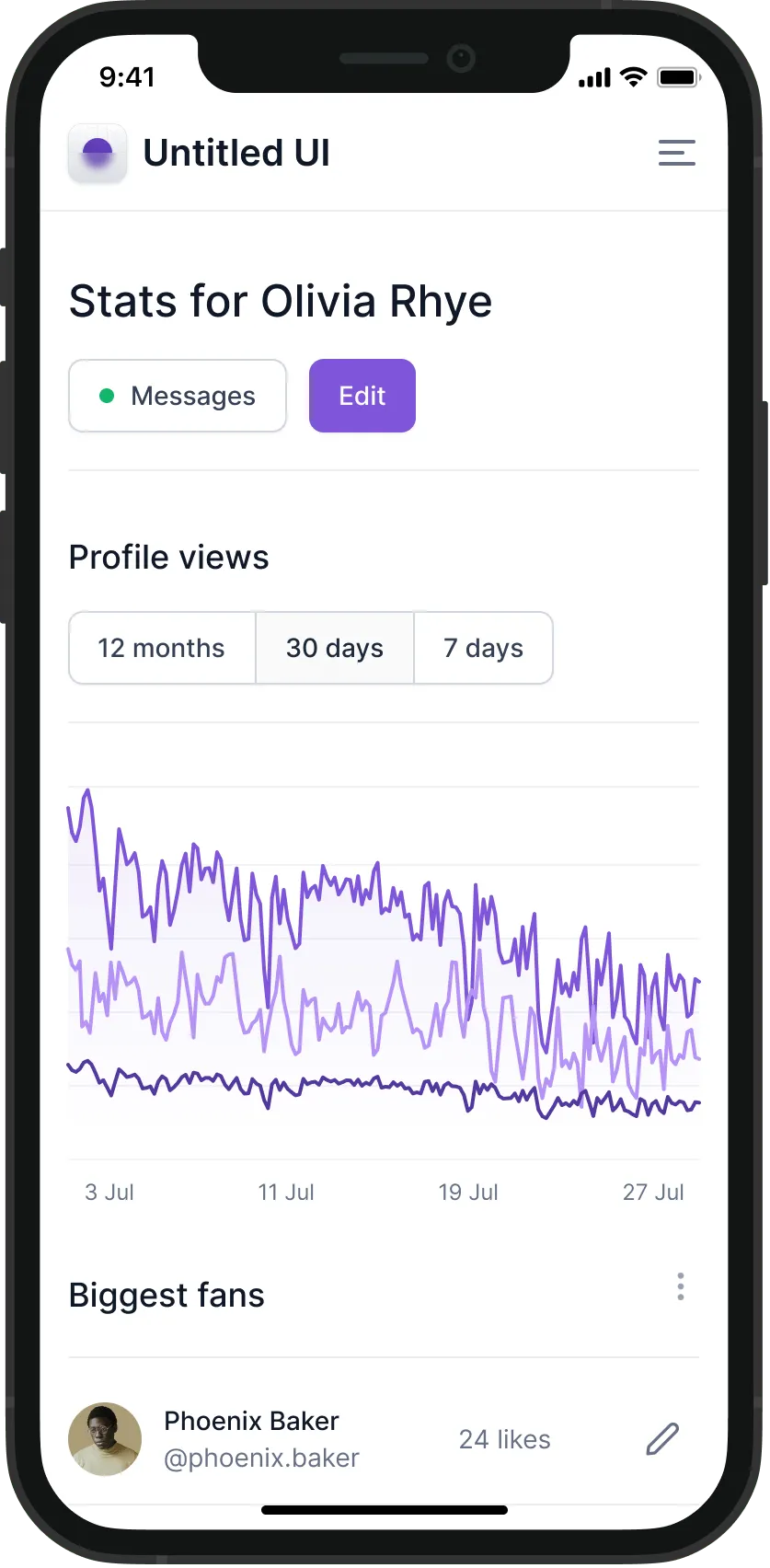
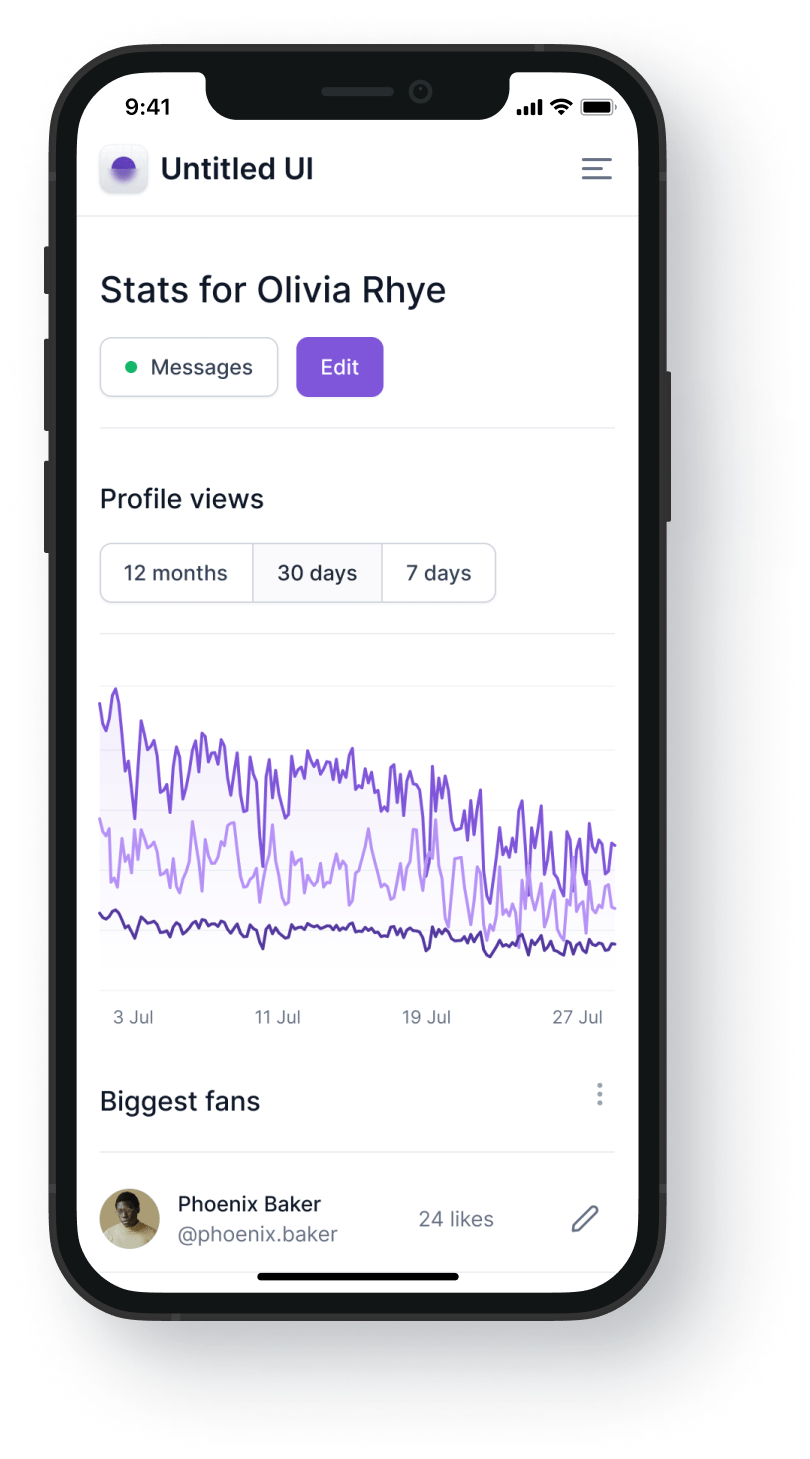
Scan QR codes to open instructions instantly. Access and upload content directly from the shopfloor.
Chrome Extension
Get guidance directly in your workflow with interactive click walkthroughs and content recommendations.
Control & Approve
Control internal and external access. Set approval workflows and assign content to roles and teams.
Why customers love Clypp
15 min
Time to create multilingual content
500+
tutorials created in the first 6 months
We don’t wait for experts anymore, we watch Clypps.
Translation and voice-over help us train teams with different language backgrounds, including languages that are not locally supported at every site. We have shifted from waiting for experts to proactive knowledge transfer, and employees from different functions actively bring in new use cases all the time.
Suddenly everyone looks forward to creating process documentation.
Every employee can now map internal processes in their process documentation in a visual and reproducible way, yet quickly and intuitively. The departments create and manage their own mapped processes, which works very well. Clypp is a real game-changer for us.
Ilka Bühner
Knowledge Manager & Technical Writer | Elementar GmbH
For us, digitalization means introducing new digital processes while involving employees in the digital transformation. Clypp worked for us in practice, because the tool is intuitive enough that employees could create videos themselves, without training sessions or video editors.
Yes! Just sign up here and start clypping – no credit card required. You can invite up to 4 other team members to your free workspace.
Do you need video or IT experience to use Clypp?
No. Clypp is designed so employees can document processes without video editing or technical expertise. The AI automatically handles editing, structuring, translations, and step-by-step documentation.
What do I need to start capturing processes with Clypp?
To get started, you only need a smartphone, tablet, camera, or screen recording. Clypp automatically processes the recording and turns it into structured documentation and training content.
Can Clypp use existing documentation like PDFs or PowerPoints?
Yes. Existing documentation such as PDFs, PowerPoints, and other materials can be uploaded and transformed by AI into interactive step-by-step guides and training formats.
How does Clypp automatically generate a step-by-step guide from a video?
Clypp automatically analyzes recordings, detects process steps, and generates structured SOPs with screenshots, descriptions, and optional voice-overs. Content can then be reviewed and edited if needed.
What types of processes can Clypp capture?
Clypp can document both physical shopfloor processes and digital software workflows. This includes work instructions, machine operations, quality processes, maintenance, onboarding, and training.
How can I share my Clypps?
You can share Clypps within your workspace via protected links – meaning no one outside your workspace can access these links. However, you can also share public links with as many people as you want outside your workspace.
Is Clypp available on mobile?
You bet! We offer Clypp as a mobile responsive web app, accessible through your smartphone browser. Employees can access, capture, and share content directly from smartphones or tablets. QR codes allow instant access at machines or workstations.You find our native mobile apps in the Apple App Store and the Google Play Store.
What tools does Clypp work with?
We integrate with practically every digital tool as we provide you with links and embed codes for your Clypps. However, we also offer native integrations in Microsoft Teams, Atlassian Trello, and many more, which gives you an even more seamless experience.
Does Clypp work in secure IT environments like VPN or Citrix?
Yes. Many companies already use Clypp within secure IT environments and existing enterprise infrastructures such as VPN or Citrix systems.
How does Clypp protect sensitive process and company data?
Your data security is our greatest concern. This is why our company and applications are ISO27001 certified. We exclusively host our platform and data on servers in the EU. Clypp supports secure access controls, role and permission management, and internal or external sharing settings. Companies remain in full control over who can access and edit content. Please find more detailed information on data security and privacy in our Privacy Policy.
Anything else?
Please have a look at our Help Center or write us a message to support@getclypp.com


















.webp)