Use cases
Onboarding

Ramp-up faster and free experts with onboarding via video

Onboarding stays slow because experts spend weeks on buddy training. Clypp replaces repeat explanations with trackable video onboarding.
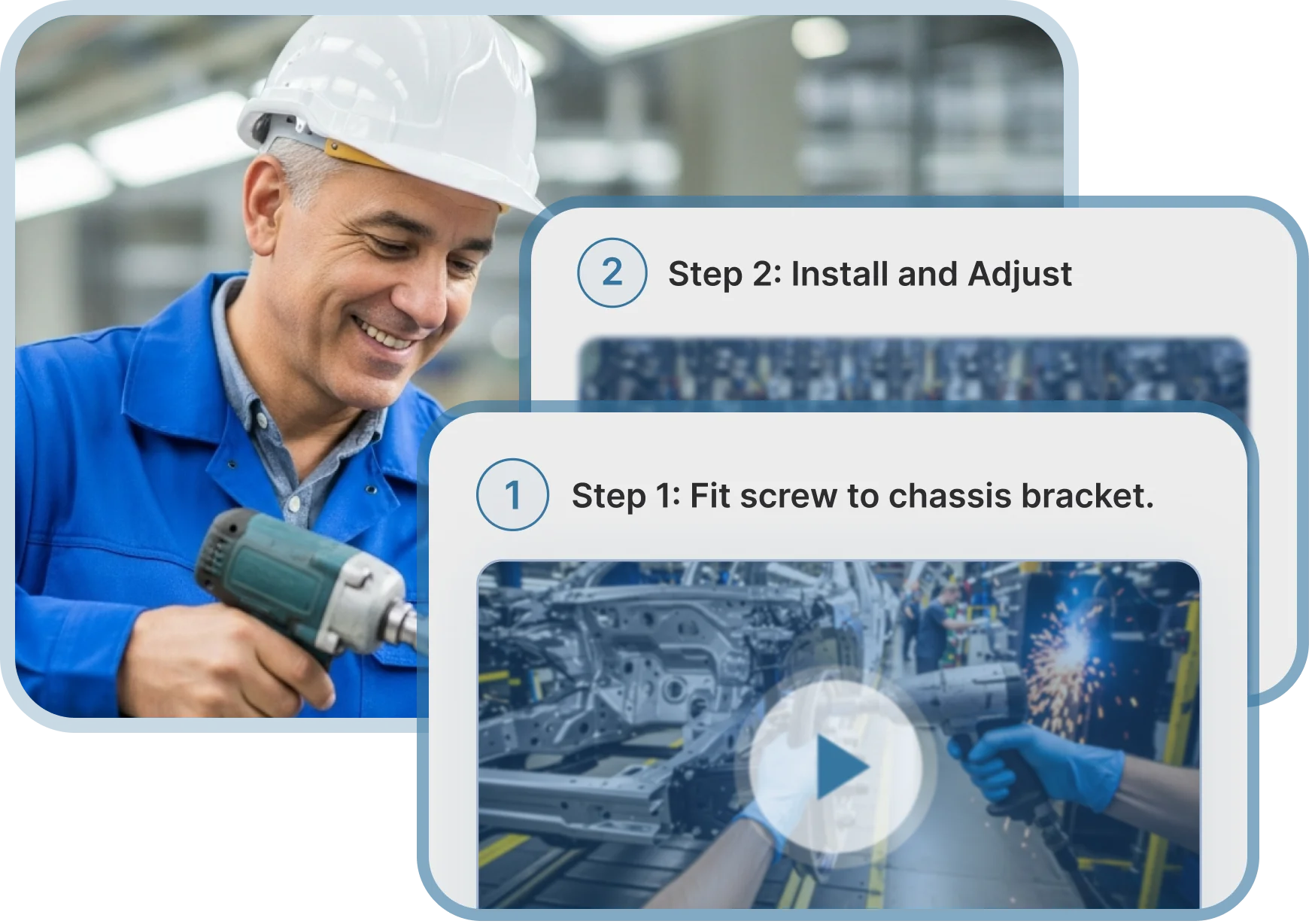
Smiling technician in a white hard hat and blue jacket holds a power tool, with work instructions overlay instructing to fit a screw to chassis bracket and then install and adjust.
Smiling man in a light blue shirt with work instructions overlay showing a software dashboard and instructions to open the dashboard and click the application.
95%
Faster creation and maintenance of onboarding content
5x
Faster onboarding and ramp-up of new employees
-62%
Less explanation and help needed from supervisors

In production at 100+ industrial companies

Telefonica logoBHTC logoelementar logoprominent  logoRosenberger company logoRational AG company logoschuler logoAgravis company logo
Telefonica logoBHTC logoelementar logoprominent  logoRosenberger company logoRational AG company logoschuler logohr works logoAgravis company logoWestfalen company logo

How to create onboarding videos with Clypp in 3 steps

1. Record the workflow

Record with your phone or video camera
Capture your screen for software workflows
Upload documents like PowerPoints and let AI auto-narrate
Upload in Clypp app or browser
Factory worker in protective glasses using a tablet and screwdriver near machinery, shown in a recording interface with a red record button.
Video editing interface showing AI tools with blurred face of worker using a grinder in a factory setting.

2. Polish your clip with AI instantly

AI voiceover and captions in any language
Noise removal & stabilization
Add an AI avatar, texts, zooms and more
Auto-blur faces for privacy

3. Publish and assign your onboarding content

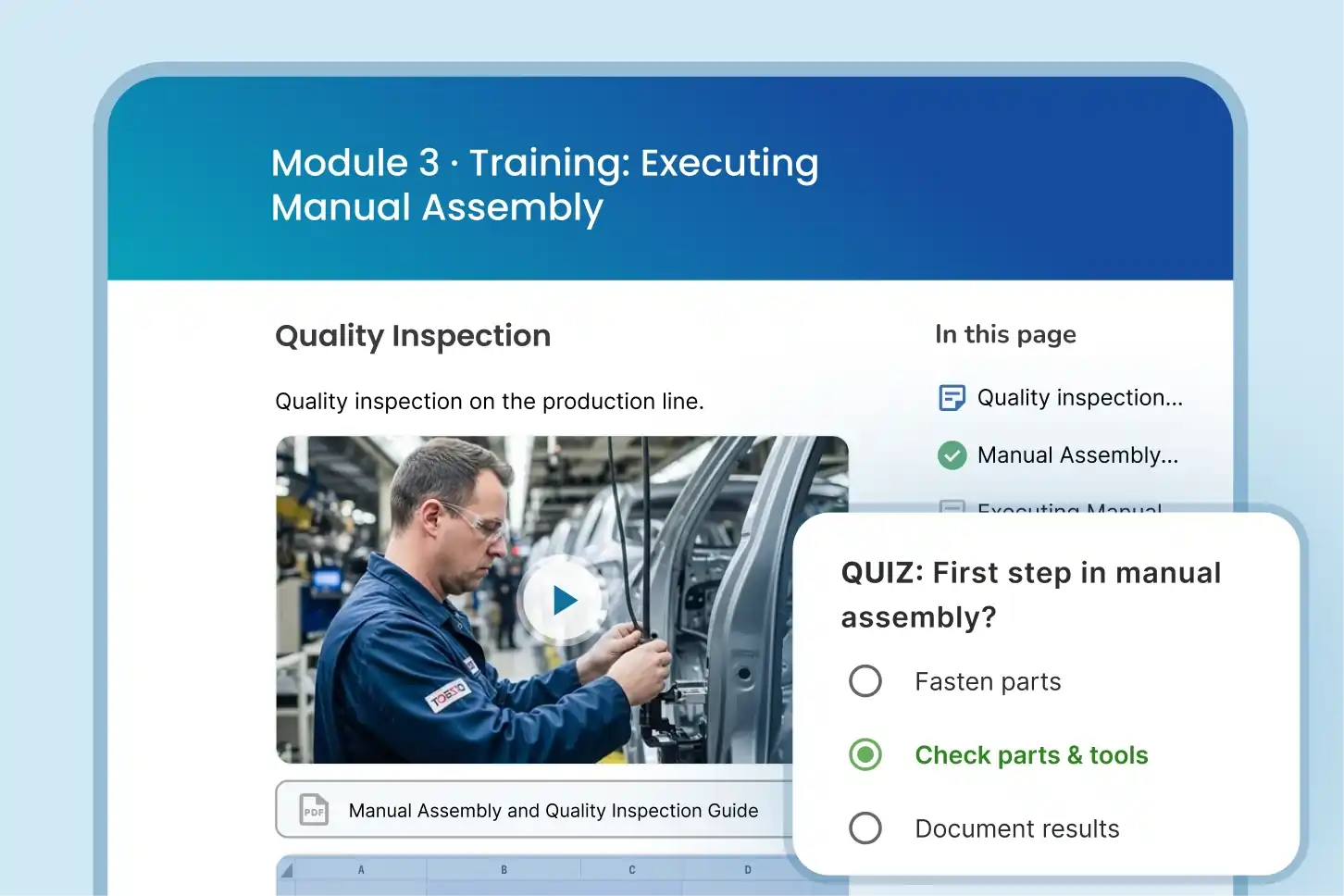
Build trainings with quizzes
Create step-by-step instructions with images in one click
Translate in any language
Share via Clypp or integrate into your tools
User interface displaying training courses with a search bar, assigned trainings, featured courses, and a pop-up for 'Operator Training: Introduction to LXP-154' showing video preview, views, publish date, likes, share option, and language selection with English, German, and Albanian.

Clypp Onboarding:
The smart way to onbard

Mockup

Create onboarding modules in minutes

Built for non-video editors. Record once, polish with AI, and turn the workflow into modules fast.
Mockup

Clearer guidance, less experts needed

Show the real workflow in video, in their language. Reduce ramp-up and free experts.
Mockup

Ensure understanding with real data

Generate quizzes with AI and track completion. Improve where new hires struggle with data.

How Clypp fits into real operations

Assembly & installation

Record hands-on steps as video; add key details; share via QR or tablet at the station.

Scale.

Ensure every employee follows the same best-practice process, reducing errors, variability, and dependency on individual know-how.

Accelerate.

Ensure every employee follows the same best-practice process, reducing errors, variability, and dependency on individual know-how.

Software workflows (ERP, MES, tools)

Record your screen going through the procedure in the tool and fastly roll-out software and procedure updates such as SAP.

Compliance and security training (ISO and more)

Show the required steps in a short clip. Check and track understanding with quizzes, keeping viewers accountable.

Explain from documents (ppt, word, pdf, etc.)

Upload your presentation, word doc, or any file and automatically let AI explain the steps. Quickly add an avatar and highlighting if needed.
iPhone mockupiPhone mockup

Made for your onboarding procedures

Ramp-up for assembly, changeovers, and more

Supervisors capture the correct sequence once and publish it as a short module. Operators learn standard work faster by rewatching on the line instead of waiting for another walkthrough.

Safety training

Create safety instructions as mandatory modules with quizzes and completion tracking. Publish only approved versions and have them completed before first independent work.

Guest and seasonal workers

Provide instructions in any language with auto-translate, even uncommon languages. Guest workers understand procedures faster in their own language without extended buddy training.

Software workflows (ERP, MES, tools)

Screen-record workflows for softwares and tools and bundle them into modules with quizzes to get people up-to speed fast.

Compliance and security training (ISO and more)

Show the required steps in a short clip. Check and track understanding with quizzes, keeping viewers accountable.

Explain from documents (ppt, word, pdf, etc.)

Upload your presentation, word doc, or any file and automatically let AI explain the steps. Quickly add an avatar and highlighting if needed.

Approve content before it goes live

Set clear quality workflows so only reviewed work instructions reach employees. Define reviewers for each role and line.

Track adoption with analytics

Track who watched what, completion rates, and quiz outcomes. Identify where new hires drop off and which steps trigger repeat questions.

Create role-based training paths

Create structured onboarding paths per role or station with required modules, on-the-job refresh clips, and assessments.

Why customers love Clypp

78%
savings on creation of training content
4x
faster creation of documentation
Clypp is the best way we’ve found to share know-how.
Videos are much more popular with our employees and customers than manuals. That's why I've tested many video tools and none of them were anywhere near as easy to use as Clypp. It allows us to create more content in a short space of time than ever before - and in the highest quality.
Dr. Bernd Grillenberger
Knowledge Manager | Elementar Analysensysteme GmbH
7x
faster process documentation
14 days
from kickoff to active use in production
Clypp made digitalization a reality for us.
For us, digitalization means introducing new digital processes while involving employees in the digital transformation. Clypp worked for us in practice, because the tool is intuitive enough that employees could create videos themselves, without training sessions or video editors.
Claus Hiltensberger
SAP Project Manager | Rational AG

Maximum privacy for your business

ISO 27001 Certified

We operate on ISO 27001–certified infrastructure to ensure strictest information security and risk management
Blue circular badge with silver border stating 'Hosted on EU Servers Trusted & Secure' with a shield featuring the EU symbol and stars in the center.

EU-Based Hosting

All data is stored on secure servers within the European Union, meeting strict EU data residency and privacy requirements.
Blue shield with a silver border featuring a padlock icon, the text 'GDPR compliant', and a checkmark symbol.

GDPR Compliant

Clypp is fully aligned with GDPR standards, providing transparent control over your data and compliant processing at all times.
Try Clypp for free

Questions? We're here to help

Is Clypp free to use?
Yes! Just sign up here and start clypping – no credit card required. You can invite up to 4 other team members to your free workspace.
I'm a beginner regarding videos. Can I still use Clypp?
Absolutely! Clypp is designed in a way that literally everyone is able to record a high-quality tutorial video.
What do I need to get started?
Clypp works on any web-enabled device (mobile, tablet, laptop, PC, …) and on any main browser (Chrome, Edge, Firefox, Safari). No download required!
How can I share my Clypps?
You can share Clypps within your workspace via protected links – meaning no one outside your workspace can access these links. However, you can also share public links with as many people as you want outside your workspace.
Is Clypp available on mobile?
You bet! We offer Clypp as a mobile responsive web app, accessible through your smartphone browser. You find our native mobile apps in the Apple App Store and the Google Play Store.
What tools does Clypp work with?
We integrate with practically every digital tool as we provide you with links and embed codes for your Clypps. However, we also offer native integrations in Microsoft Teams, Atlassian Trello, and many more, which gives you an even more seamless experience. 
My company uses VPN access (e.g., Citrix). Can I still use Clypp?
Some companies use VPN – a “Virtual Private Network” – to protect the login to the company network from unauthorized persons. The login to Clypp is also possible via VPN. Due to the browser-based setup of our application, your own screen can easily be recorded in Clypp, regardless if you are using e.g., Citrix Gateway, AnyDesk or other providers.
Is my data secure?
Your data security is our greatest concern. This is why our company and applications are ISO27001 certified. We exclusively host our platform and data on servers in the EU. Please find more detailed information on data security and privacy in our Privacy Policy.
Anything else?
Please have a look at our Help Center or write us a message to support@getclypp.com

Empower your team with AI video documentation now