
What is an AI SOP tool?
An AI SOP tool is software that turns a captured workflow (screen recording, browser capture, video, or click sequence) into a structured Standard Operating Procedure document. The output typically includes numbered steps, screenshots, narration, transcript and audit metadata (version, author, timestamp). The category has consolidated around three approaches: screenshot-first capture (Scribe, Tango), AI video with voice-over (Guidde, Clypp), and written playbooks with AI drafting (Trainual, SweetProcess, Waybook). The right tool depends on the type of work being documented, the languages needed and the compliance environment.
Why the category exists
Two data points drive the market. McKinsey research shows employees spend around 1.8 hours per day, roughly 19 percent of the workweek, searching for information. TechSmith reports in 2026 that 83 percent of people prefer learning from video over text or audio. Traditional SOPs, written once in Word and rarely updated, fail on both counts: they are hard to find and hard to consume.
AI SOP tools compress the creation effort from hours to minutes. The subject matter expert records or captures a workflow, AI structures the output into a step-by-step document, and the result is deployed inside MS Teams, an LMS, a wiki or via QR code at a workstation. The bottleneck shifts from writing to reviewing.
Verified industry data from digital work instruction deployments (Arkite, 2025) shows the operational payoff: after switching from paper or static PDFs to structured digital work instructions, error rates dropped from 0.12 percent to 0 percent, scrap and rework fell by 64 percent, training time was cut by 50 percent, and station productivity rose by 7 percent.
The 10 best AI SOP tools in 2026 at a glance

| Tool | Primary format | AI narration | Multilingual | Hosting | Best fit | Entry price |
|---|---|---|---|---|---|---|
| Clypp | Video + SOP | Yes, 100+ langs | 100+ auto-translate | EU (Germany) | Video SOPs, regulated EU | Free tier |
| Scribe | Screenshot SOP | Text only | Limited | US | Fast browser SOPs | $23/user/mo |
| Tango | Screenshot + overlay | Text only | Limited | US | Live in-app guidance | $16/user/mo |
| Guidde | AI video | Yes, 100 langs | Yes | US | SaaS onboarding videos | Free / $16+/mo |
| Trainual | Written playbooks | Text only | Limited | US | Team handbook + training | ~$300/mo (25 users) |
| Whale | Text + video | Text AI | Limited | EU/US | All-in-one SOP hub | ~$10/user/mo |
| SweetProcess | Text procedure | Text AI drafting | No | US | Policy + procedure library | $99/mo flat |
| Dozuki | Structured work instr. | Limited | Yes | US | Enterprise connected worker | ~$850/mo, 50 seats |
| Process Street | Checklist | Limited | Limited | US | Recurring checklists | ~$25/user/mo |
| Waybook | Written playbooks | Text only | No | UK | SME onboarding manuals | ~$99/mo entry |
Prices reflect publicly listed rates as of mid-2026 and can change. Clypp's plan details are at getclypp.com/pricing.
Deep dive: the 10 tools
Screenshots of the vendor websites in this section were taken on 11 October 2026.
1. Clypp
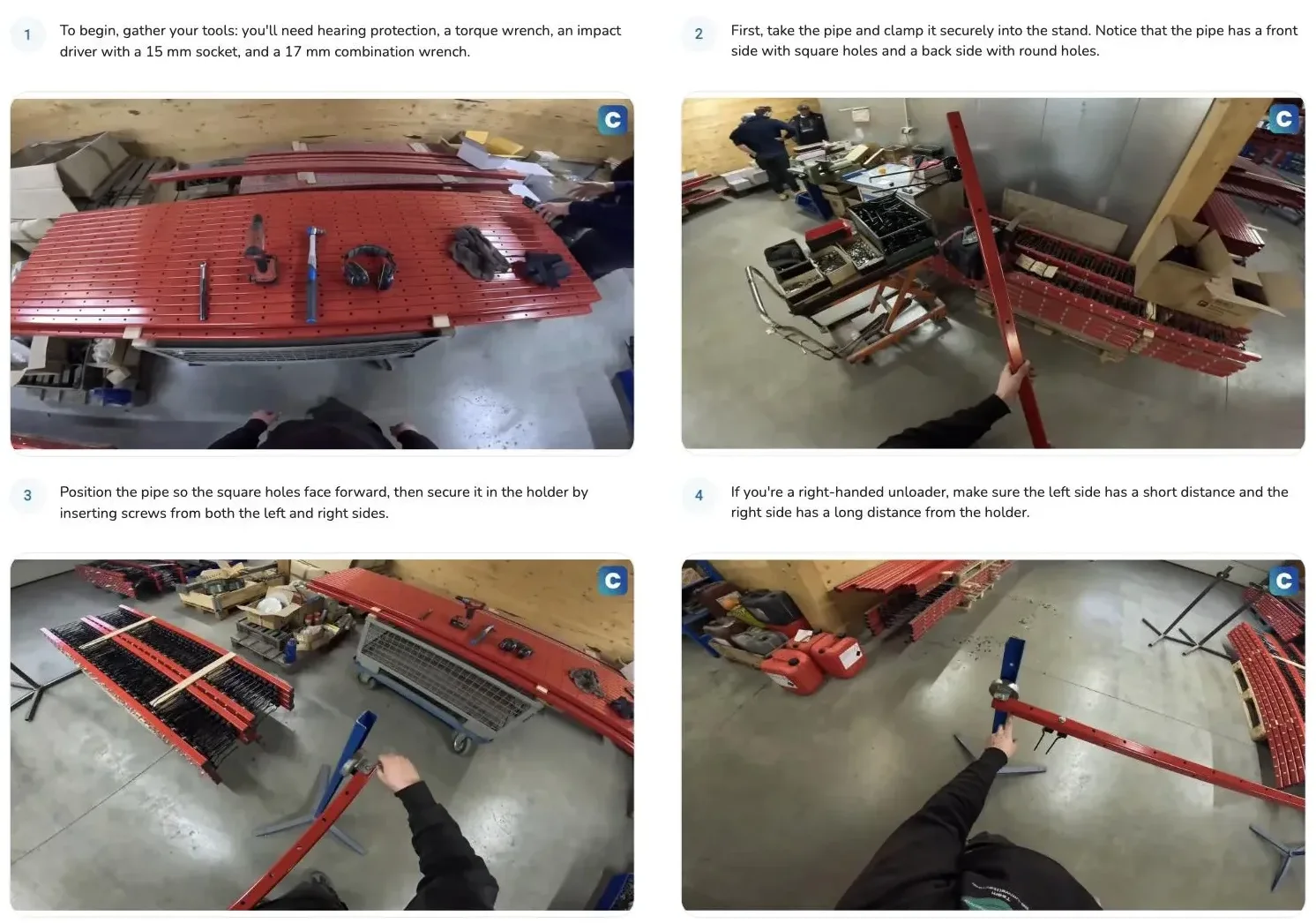
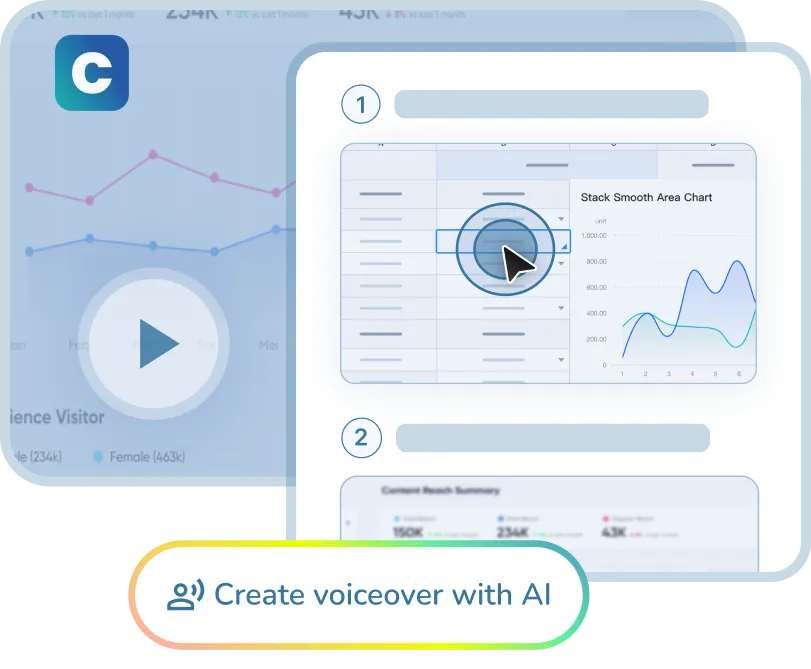
Video-native AI platform for SOP creation, built by Zesavi GmbH in Munich. The subject matter expert records a task in the browser, on webcam or on a smartphone; AI segments it into steps with screenshots, generates a synthetic voice-over in the target language and auto-translates subtitles, voice-over and on-screen text into 100+ languages. Output can be exported as video, PDF, SCORM package or embedded Teams card, with audit-conform metadata (version, author, timestamp) attached automatically for ISO 9001 audits, GoBD procedural documentation and DGUV V1 evidence. Infrastructure is ISO 27001 certified, EU hosted in Germany and GDPR compliant. Native integrations for Microsoft Teams, Atlassian Trello, Jira and SAP. Best fit: European teams with regulated or multilingual workflows and video-heavy content. Entry: free workspace without a credit card; see getclypp.com/pricing.
What sets Clypp apart in this list: it is the only tool here that automatically turns a camera recording of manual work into a step-by-step guide. A technician films an assembly step with a phone, explains it while working, and Clypp generates the steps with images, instructions and an AI voice-over. The same works for software via screen recording, including desktop applications such as SAP GUI. Changes are made by re-recording a single step. Faces in the picture can be blurred automatically, and instructions reach the workstation via QR code or the mobile app with offline playback.
2. Scribe
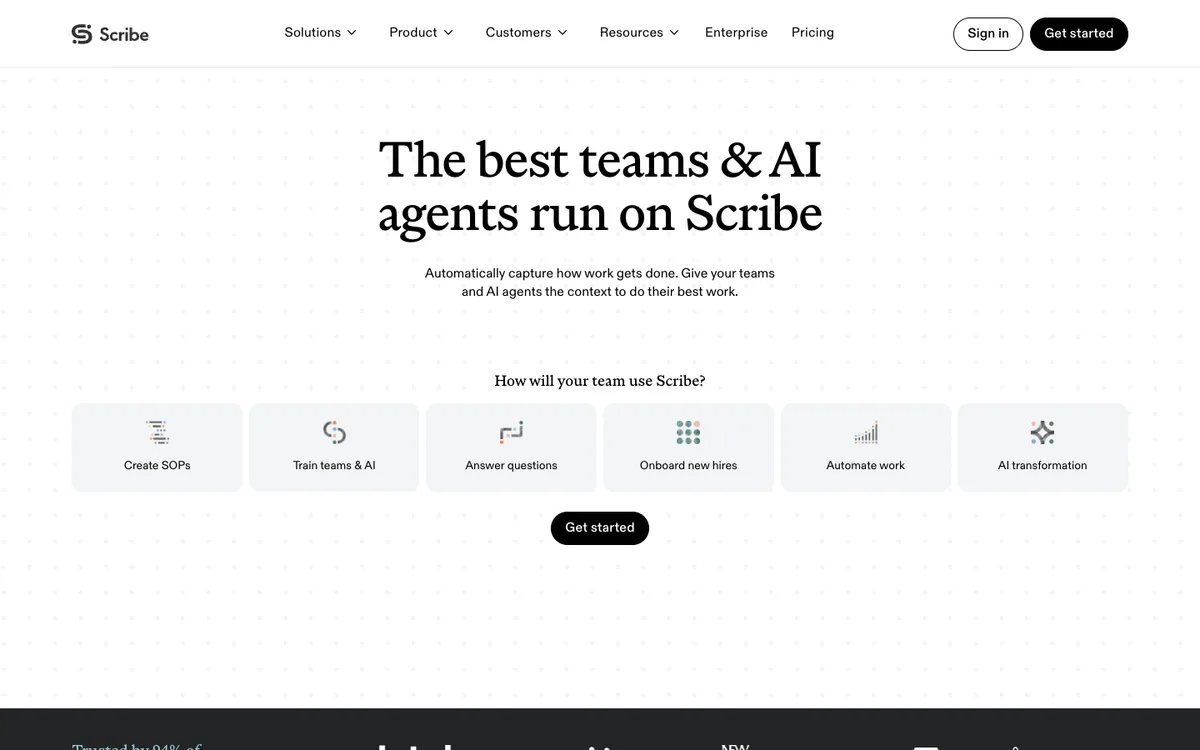
US-based screenshot-first documentation tool from Scribe (formerly ScribeHow). A browser extension or desktop app captures every click and screenshot; Scribe AI generates the step text. Known for its polished output, Scribe Pages layout and clean UI. Best fit: teams whose processes are software-only and who prefer a written, screenshot-driven format. Limits: video is embed only, translation is limited, hosting is US only. Entry price: free browser-only tier; Pro from about $23 per user per month.
3. Tango
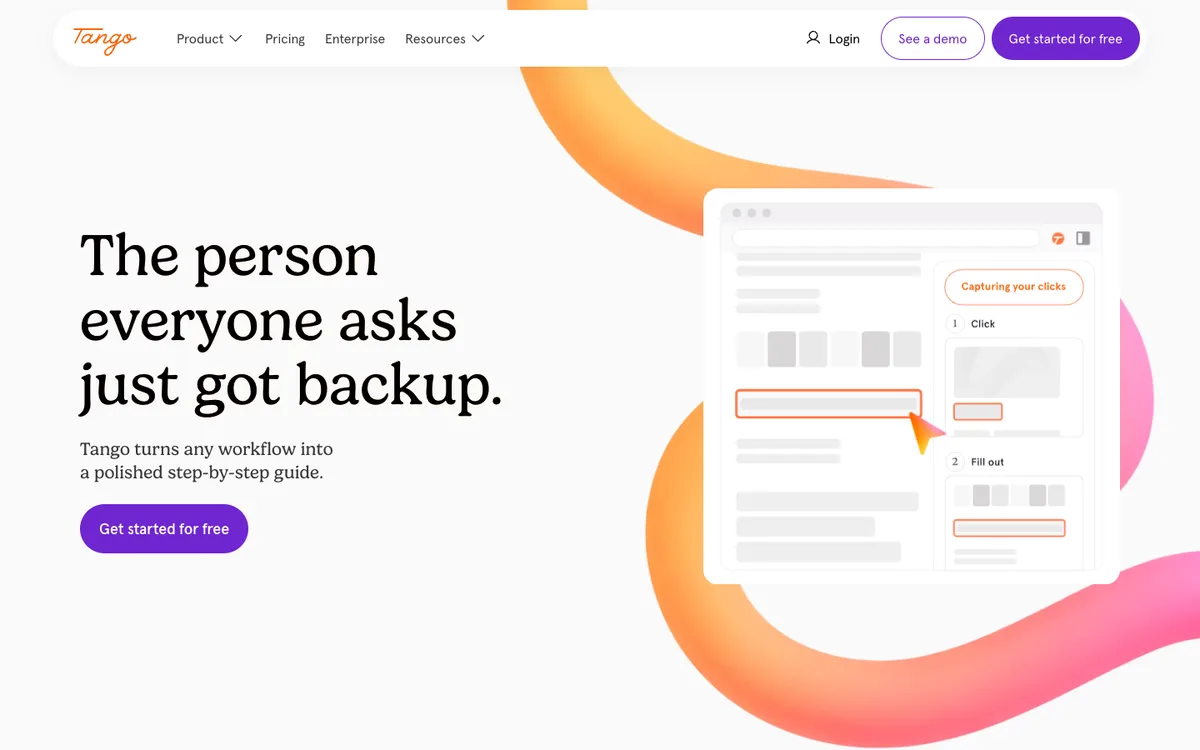
Also US-based, similar screenshot capture to Scribe with a distinctive Guide Me overlay that walks users through a live process in the browser. Recent additions include Tango Agents and Nuggets for in-app assistance. Best fit: teams who want on-screen live guidance in addition to standalone SOPs. Limits: mostly static imagery, limited video and translation, US hosting. Entry price: free tier; Pro from about $16 per user per month.
4. Guidde
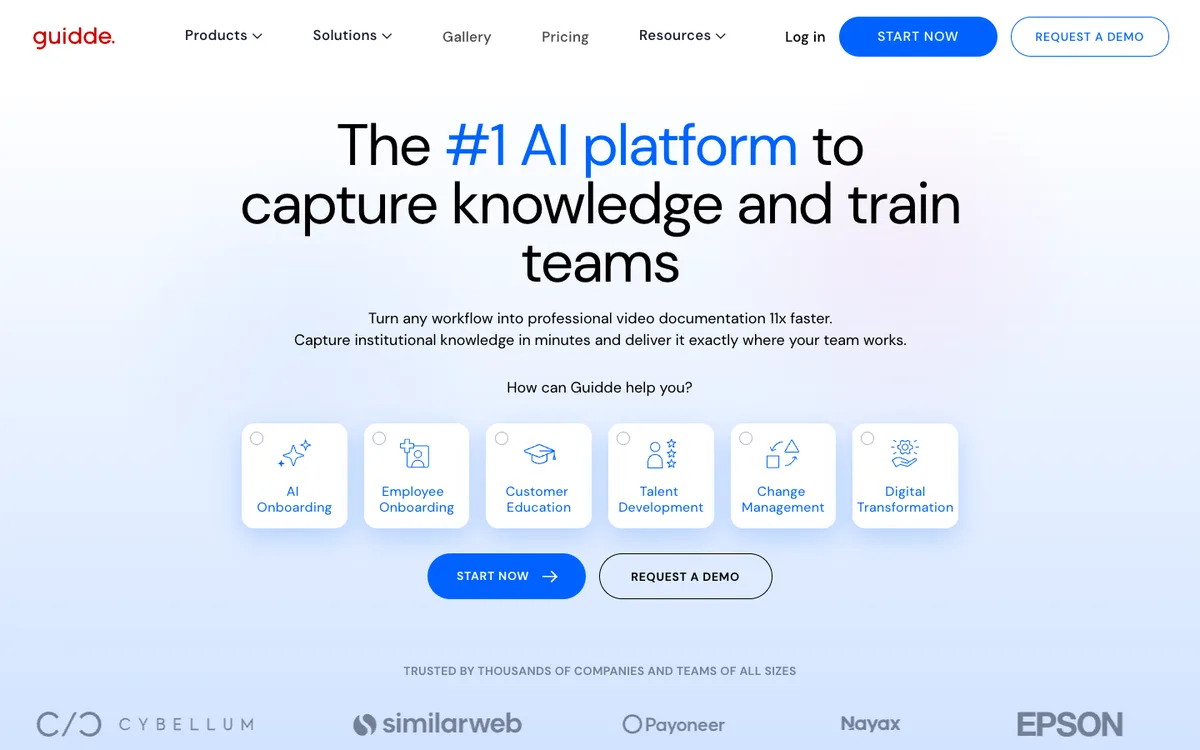
Video-first AI documentation tool that turns a screen recording into an AI-narrated walkthrough with captions and structured chapters. Supports voice-over in up to 100 languages. Best fit: SaaS product teams and customer education creating narrated software walkthroughs. Limits: US hosting, synthetic voice can feel less personal for internal content, less structured for shop-floor or manufacturing use cases. Entry price: free tier; paid plans from about $16 per user per month.
5. Trainual
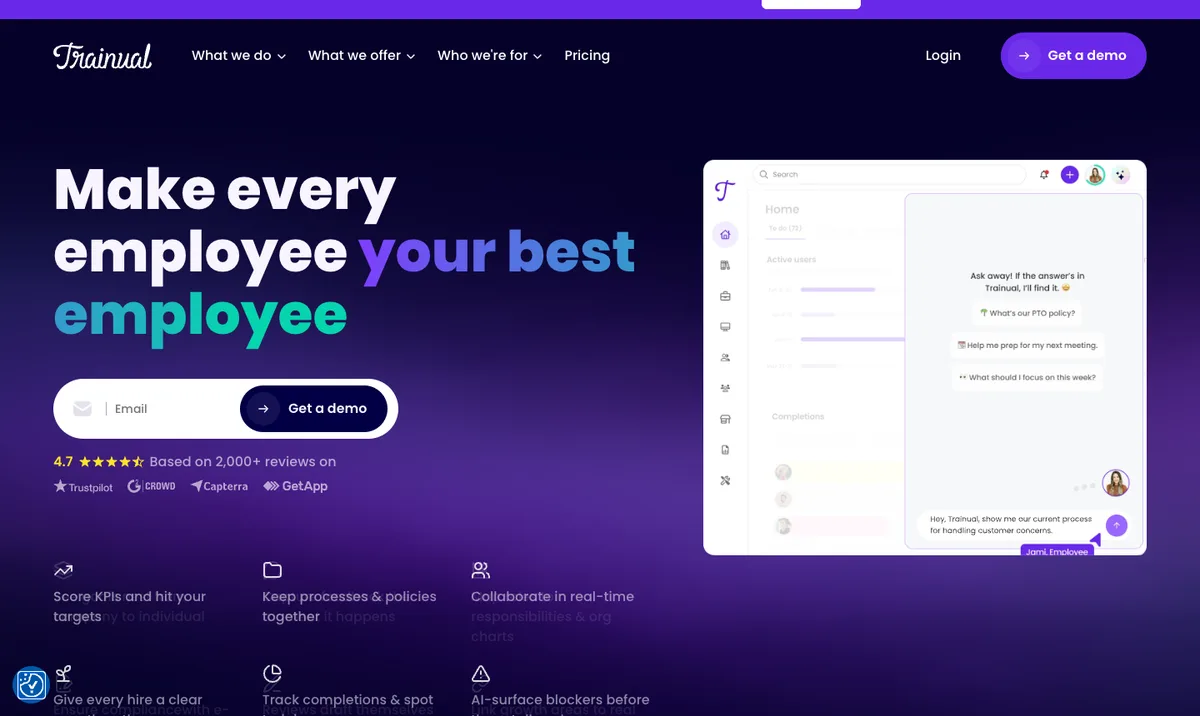
Written playbook and training platform focused on organizing company knowledge, onboarding and role-based training. Less about auto-capture, more about structuring existing know-how into a searchable manual with quizzes. Best fit: small and mid-sized businesses building a company handbook. Limits: minimal AI capture, limited video, US hosting. Entry price: approximately $300 per month for a 25-user plan.
6. Whale
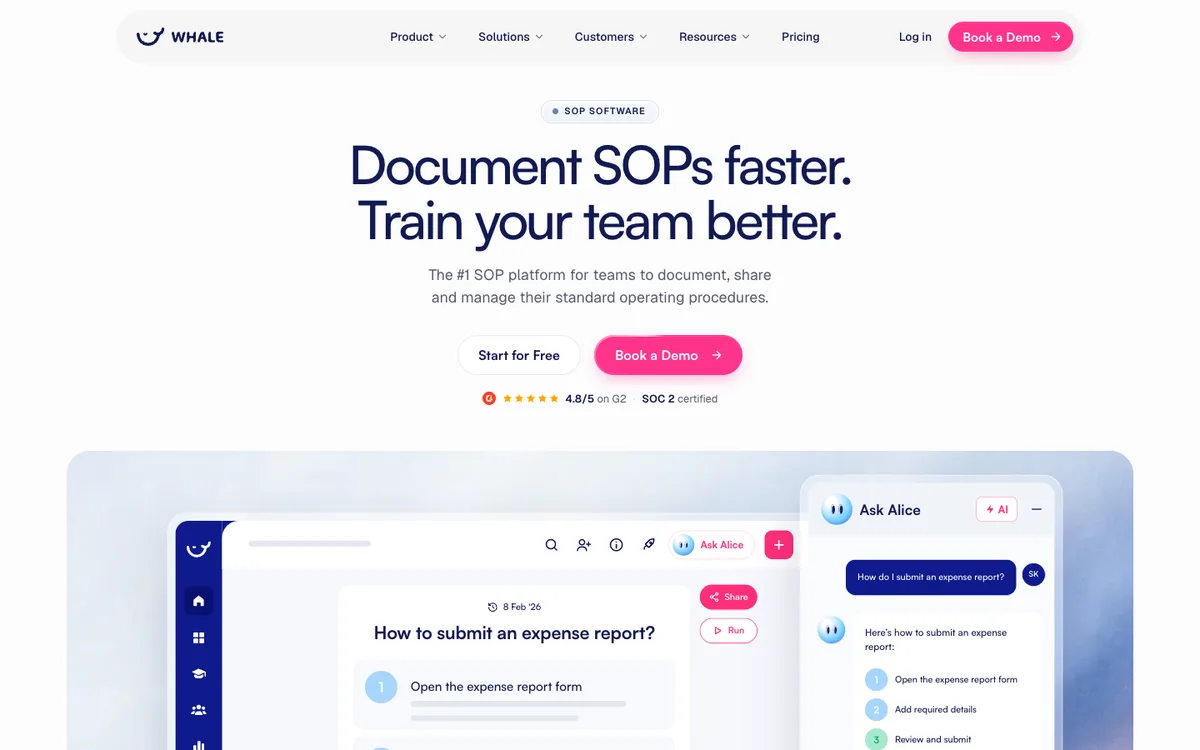
All-in-one SOP hub combining step capture, video, AI drafting assistance and a centralized knowledge base with an assignment engine. Belgian roots (Antwerp) with EU and US operations. Best fit: teams looking for a single platform to manage SOPs, onboarding and internal training end-to-end. Entry price: from around $10 per user per month.
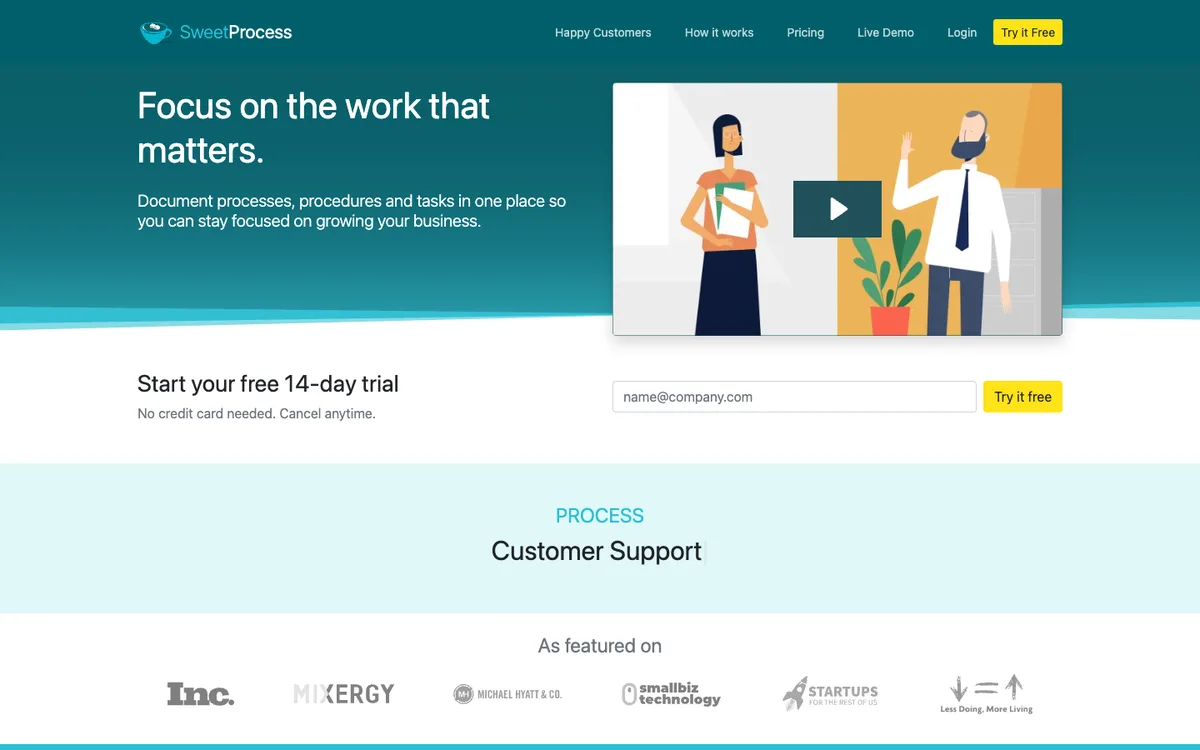
7. SweetProcess
Established written-procedure and policy management tool with AI-drafted step generation. Distinctive flat pricing model (up to a set user count for a fixed monthly fee) and strong audit trail. Best fit: policy-driven organizations building a text-heavy procedure library with formal approval workflows. Limits: text only, no native video, US hosting. Entry price: about $99 per month flat for up to 20 users.
8. Dozuki
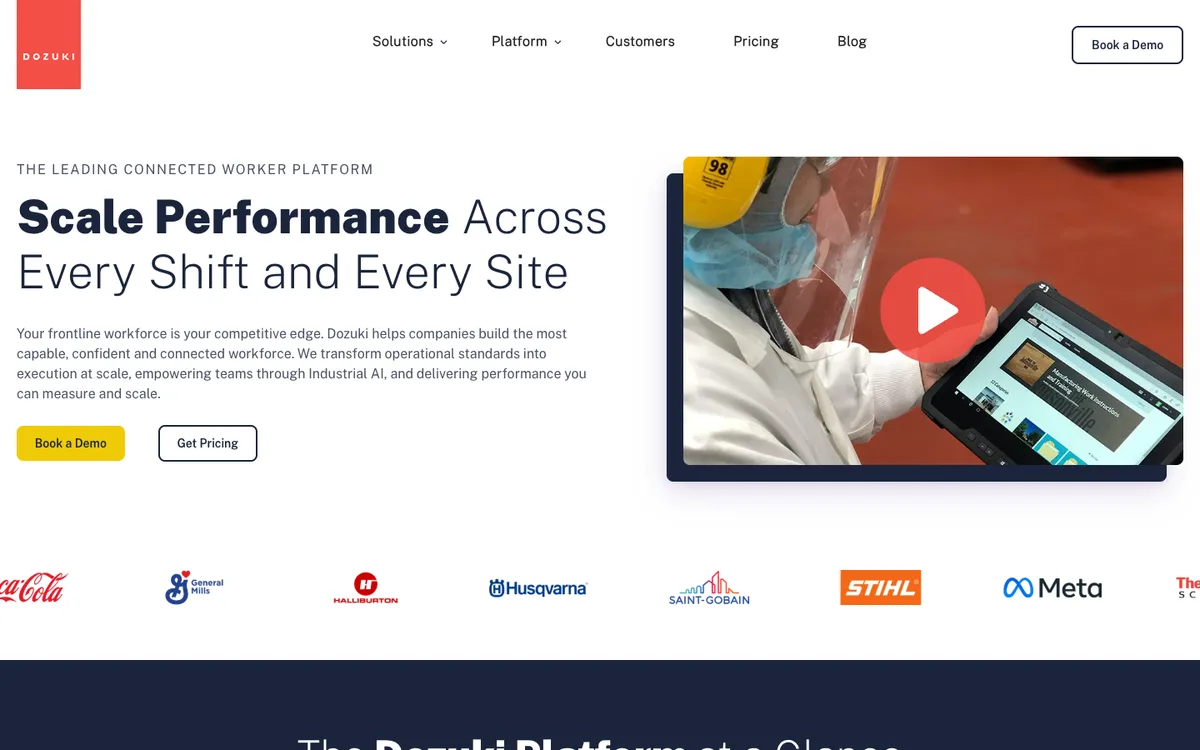
Enterprise connected-worker platform for large manufacturing environments. Structured work instructions with strong revision control, training tracking and shop-floor delivery. Demo-gated with a high minimum. Best fit: Fortune 1000 manufacturers with a dedicated implementation budget. Limits: enterprise-only entry point, complex setup. Entry price: third-party listings near $850 per month at a 50-user minimum before services.
9. Process Street
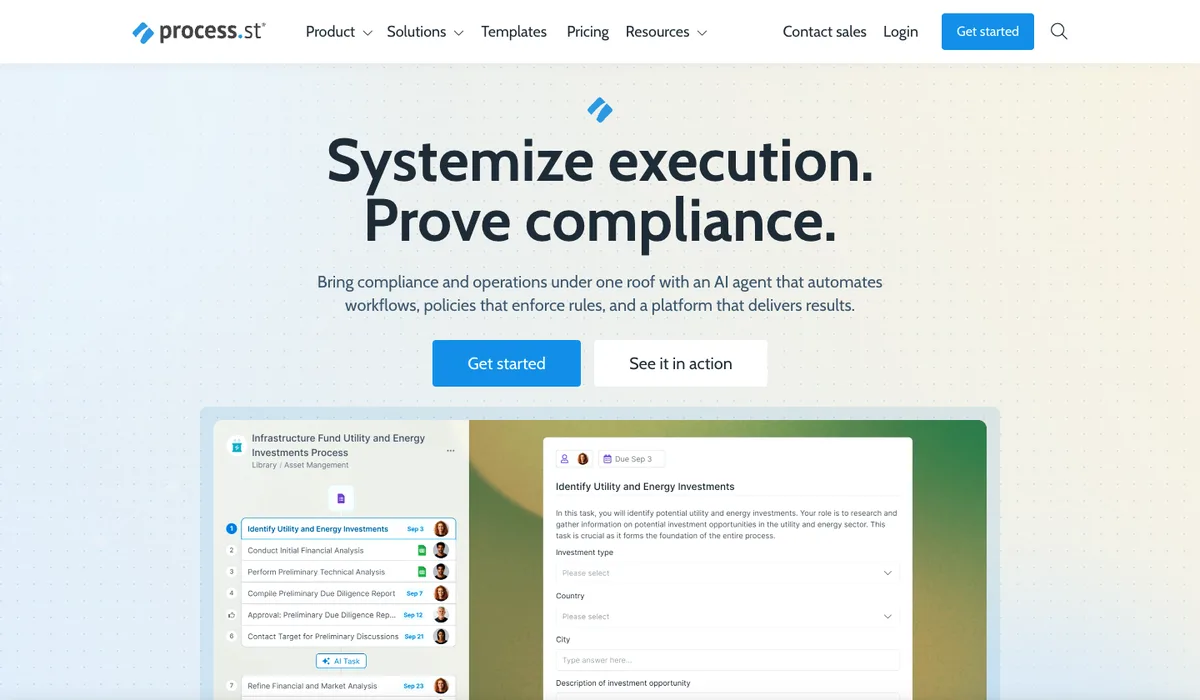
Checklist and workflow platform for recurring processes. Not primarily an SOP capture tool but a workflow execution engine that runs SOPs as trackable checklists with conditional logic. Best fit: teams running recurring processes such as employee onboarding, client onboarding or monthly close. Limits: less about creation, more about execution. Entry price: approximately $25 per user per month.
10. Waybook
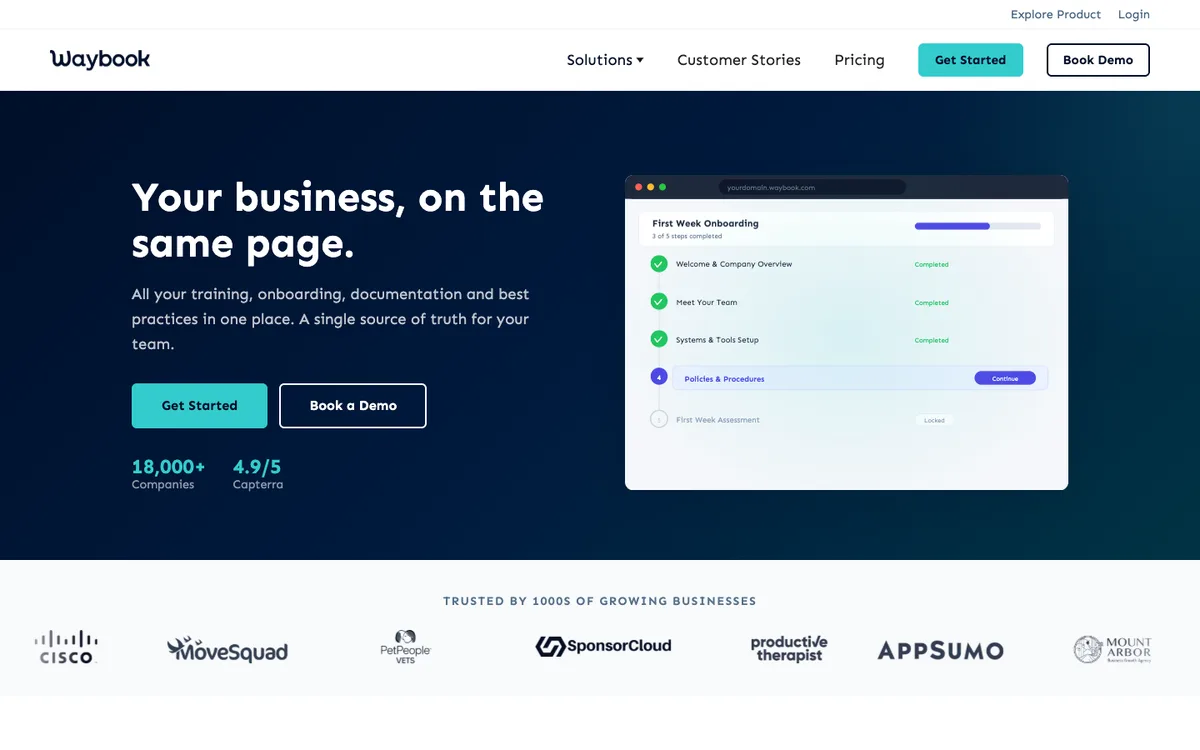
UK-based playbook and onboarding manual tool aimed at small and mid-sized businesses. Simple, text-first, with quizzes and role-based access. Best fit: small businesses building a first internal handbook. Limits: no auto-capture, limited AI, text only. Entry price: entry plans from around $99 per month.
How to choose the right AI SOP tool

The decision reduces to five questions. Answer them in order.
• What type of work are you documenting? Software walkthroughs where a click sequence tells the whole story favour Scribe and Tango. Manual tasks where movement and positioning matter (assembly, maintenance, lab work) favour video-native tools like Clypp or Guidde.
• Do you need multilingual delivery? On a shop floor or in a European team with employees from more than three language groups, auto-translation of voice-over and on-screen text is not a nice-to-have. Clypp and Guidde lead here.
• What is your compliance environment? For ISO 9001, GoBD, DGUV V1, FDA Part 11 or GxP the requirement is audit-conform metadata (version, author, timestamp) coming straight out of the tool. Clypp, SweetProcess and Dozuki are strongest here.
• Where must the data live? For EU public sector, insurance, healthcare or German industrial firms the answer is often EU-only. Clypp (Germany), Whale (EU option) and Waybook (UK) are the EU-anchored options in this list.
• How will the SOPs be delivered to end users? MS Teams, LMS via SCORM, QR codes at a workstation, help center. Not every tool exports SCORM natively or embeds cleanly in Teams.
The single largest failure mode is picking a tool that solves creation but fails on maintenance. If the format is expensive to update, the SOPs will not be updated and the AI answers will drift from reality within months.
Common pitfalls when selecting an AI SOP tool
• Picking on editor polish alone. The editor is used a few hours per week; the maintenance workflow runs every day for years.
• Ignoring hosting and data residency until procurement. EU-only requirements narrow the shortlist considerably and are non-negotiable in some sectors.
• Buying a video tool for click-only workflows, or a screenshot tool for movement-heavy work. Mismatched tool categories waste budget on features nobody uses.
• Skipping SCORM export or MS Teams embedding as a selection criterion. Both determine adoption in enterprise contexts.
• Assuming one tool fits every process type. Mature organisations often run two tools: a screenshot-first for pure software workflows and a video-native for physical or complex tasks.
• Overlooking audit metadata. Video looks great until the auditor asks which version was live at the time of an incident and who approved it.
A 30-day evaluation framework
• Days 1 to 5: shortlist three tools based on the five-question filter above. Include at least one video-native and one screenshot-first.
• Days 6 to 15: pick three real processes (one software-only, one manual, one safety-critical). Record each on all three shortlisted tools.
• Days 16 to 20: have a non-native speaker review the auto-translation output. Listen to the voice-over. Read the on-screen text in a second language.
• Days 21 to 25: embed each SOP where it will be consumed (MS Teams, tablet at workstation, LMS). Have an operator try to perform the process using only the SOP.
• Days 26 to 30: pull the audit metadata. Check version, author, timestamp. Confirm the security team accepts hosting and data residency. Compare pricing last.
Frequently asked questions
What is the difference between an AI SOP tool and a screen recorder?
A screen recorder like Loom produces a video file. An AI SOP tool produces a structured document on top of the recording, with segmented steps, screenshots, transcript, translations and audit metadata. The recording is the input; the SOP is the deliverable.
Are AI SOPs legally acceptable for ISO 9001 audits?
ISO 9001:2015 §7.5 requires documented information with clear identification, control and availability. It does not prescribe a format. Video SOPs with attached version, author and timestamp metadata satisfy the standard as long as the control side (approval, review, retention) is in place.
Which AI SOP tool is best for manufacturing?
For shop-floor manufacturing, video-native tools with QR-code delivery to tablets and multilingual support fit best. Clypp is built for this scenario in Europe; Dozuki serves the Fortune 1000 end of the market with a larger implementation footprint.
Which AI SOP tool is best for GDPR-sensitive teams?
EU-hosted tools are the default choice. Clypp is ISO 27001 certified and hosted in Germany. Whale has an EU option; Waybook is UK-based; Confluence offers EU data residency on paid Cloud plans. Notion, Scribe, Tango, Guidde, Guru and most US-based tools require careful contractual review.
Do I need one AI SOP tool or several?
Many mature organisations run two: a screenshot-first tool for pure software click-through processes and a video-native tool for physical or complex work. Trying to force one category to cover both use cases usually produces mediocre results for everyone.
How much does an AI SOP tool cost in 2026?
Entry Pro tiers cluster between $16 and $25 per user per month for screenshot-first tools; video-native tools often have free tiers with paid usage-based upgrades. Enterprise deals reach the low four-figure monthly range with implementation services. Clypp offers a free workspace without a credit card; current plan details are at getclypp.com/pricing.
Which AI SOP tool integrates best with MS Teams and SAP?
Native integrations vary widely. Clypp includes native embedding in Microsoft Teams and SAP alongside Atlassian Trello and Jira. Confluence integrates natively with Jira; Scribe and Tango offer browser and Chrome-based flows; Guidde and Guru have Chrome extensions and Teams support.
Bottom line
The AI SOP tool market in 2026 is not one category but three. Screenshot-first tools like Scribe and Tango dominate quick browser SOPs. Video-native tools like Clypp and Guidde own multilingual, movement-heavy and regulated use cases. Written playbook tools like Trainual, SweetProcess and Waybook serve the company-handbook side of the market. The right choice depends less on the editor and more on maintenance, hosting, compliance and delivery format. For European teams building audit-ready video SOPs, Clypp is purpose-built for the combination of ISO 27001, GDPR-aligned EU hosting, multilingual delivery and native SAP and MS Teams integration.
Ten tools, one question: who does the recording?
Most AI SOP tools assume someone performs the process on a screen. In manufacturing it happens at the machine. Clypp captures both (screen and smartphone) and turns them into the same structured guide.
- Works away from the desk: smartphone capture right at the machine.
- AI writes steps, voice-over and translations: from a single pass.
- Export as video, PDF or SCORM: fits the systems already in place.
Clypp is a software platform from Germany for video work instructions. In use at RATIONAL, Rosenberger and Elementar, among others.

