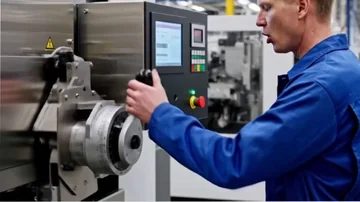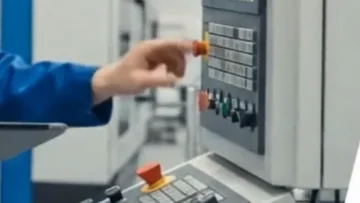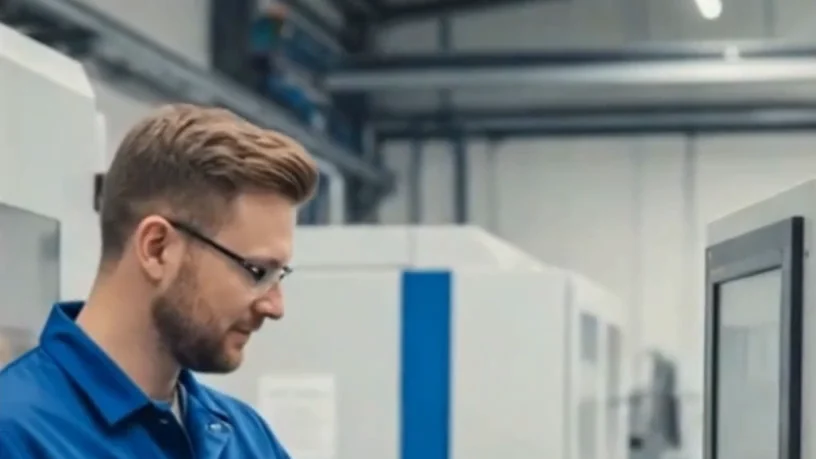





Process documentation, automated by AI

Clypp automatically transforms recordings into interactive process documentation and trainings. Designed specifically for industrial teams.
ISO/IEC 27001
certified
GDPR
compliant
EU servers
Data stays in the EU

In production at 100+ companies

STAEDTLER logoBHTC logoAL-KO logoelementar logoRosenberger company logoSPÄH logoRational AG company logoschuler logoSyntegon logoFreudenberg logoBaerlocher logoChrist Wash Systems logo
STAEDTLER logoBASF logoBHTC logoAL-KO logoelementar logoRosenberger company logoSPÄH logoRational AG company logoschuler logoSyntegon logoFreudenberg logoBaerlocher logoChrist Wash Systems logo

Automate process documentation with Clypp AI

Show it once at the machine, available to every shift. Clypp turns one recording into work instructions, training and translations.

Record

Film the process at the machine with your phone or record your screen.

Into Clypp

Upload the video. Clypp takes it from there.

AI editing

Clypp AI cuts pauses, cleans the audio, adds captions and zooms in.

Create SOP

One click: a step-by-step SOP with text and images.

Share

QR code, link, app or MES, in every language.
1 in 4

About one in four manufacturing workers is 55 or older.

Over the next years they take know-how with them that no binder holds: hand movements, settings, the small tricks at the line. Clypp captures it while the people who can show it are still there.

Sources: German Federal Employment Agency 2025 (more than a quarter of manufacturing workers aged 55 to 65), Statistics Canada 2022 (24% aged 55+), National Association of Manufacturers 2021 (about one in four aged 55+). arbeitsagentur.de

Manufacturing workers
aged 55 or older

With Clypp, know-how stays when experts retire

One recording of an experienced colleague becomes three things that stay when they leave.

Automatically create SOPs from video

Generate a structured, step-by-step SOP in seconds. Clypp extracts the steps, provides screenshots, and gives an understandable instruction.

More about SOPs

Build trainings with AI generated quizzes

Collect your docs in a training that you can assign to members. Clypp generates quizzes and lets you track and analyze the progress.

More about trainings

Auto-translation and easy distribution

Clypp translates your videos and docs into 100+ languages. Share them easily across teams and use the Clypp platform to track progress.

More about distribution

How Clypp improves your operations

Where Clypp helps the most, and what changes there.

Why customers love Clypp

78%
savings on creation of training content
4x
faster creation of documentation
Suddenly everyone looks forward to creating process documentation.
Every employee can now map internal processes in their process documentation in a visual and reproducible way, yet quickly and intuitively. The departments create and manage their own mapped processes, which works very well. Clypp is a real game-changer for us.
Customer portrait
Portrait of Ilka Bühner, black and white
Ilka Bühner
Knowledge Manager & Technical Writer | Elementar GmbH
7x
faster process documentation
14 days
from kickoff to active use in production
Clypp made digitalization a reality for us.

For us, digitalization means introducing new digital processes while involving employees in the digital transformation. Clypp worked for us in practice, because the tool is intuitive enough that employees could create videos themselves, without training sessions or video editors.
Customer portrait
Claus Hiltensberger
SAP Project Manager | Rational AG

Share where the work happens

Wherever your team works, the guide is one scan or click away.
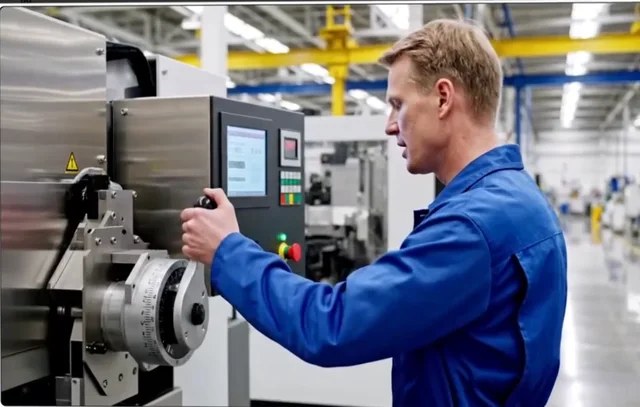
QR code at the machine
Scan, and the guide opens on any phone.
Public and private links
You decide who can open it.
Mobile app
Assigned trainings and QR scan, on iOS and Android.
Chrome extension
Click walkthroughs inside your web tools.
MES, ERP and more
Embedded in the systems your line already uses.
QR code label at a lathe
Scan: Machine start-up
Machine start-up
1
Press the start button.
Step 1 of 3
clypp.app/view/machine-start-up
Machine start-up
Inside workspace
Outside
✓
Link copied
Assigned to me
Machine start-up
Lever check
Shift handover
Scan QR
erp.your-company.com/orders/new
New order
Customer
Material
Save order
C
Step 3 of 4
Click Save order to book it.
Line 2 · Station 4
Ready
Order
4711
Cycle time
42 s
Work instruction
Step 2: Pull the lever

Built for industrial requirements

IT, data protection and the works council have a say. Clypp gives them the controls for it.

ISO/IEC 27001
certified
GDPR
compliant
EU servers
Data stays in the EU

Real Clypp settings: Security

Three ways to capture know-how

Whatever the process looks like, Clypp turns it into a guide.

Shopfloor processes

Film the work at the machine. Clypp AI cuts, cleans the audio and writes the steps.
Save order

Software workflows

Click through on screen. Clypp AI describes every action and adds zooms and highlights.
PDF
Voice-over and avatar

Existing documentation

Upload PowerPoints or PDFs. Clypp AI turns them into video steps with voice-over and an AI avatar.

One guide. Every language.

Everyone sees the guide in their own language.
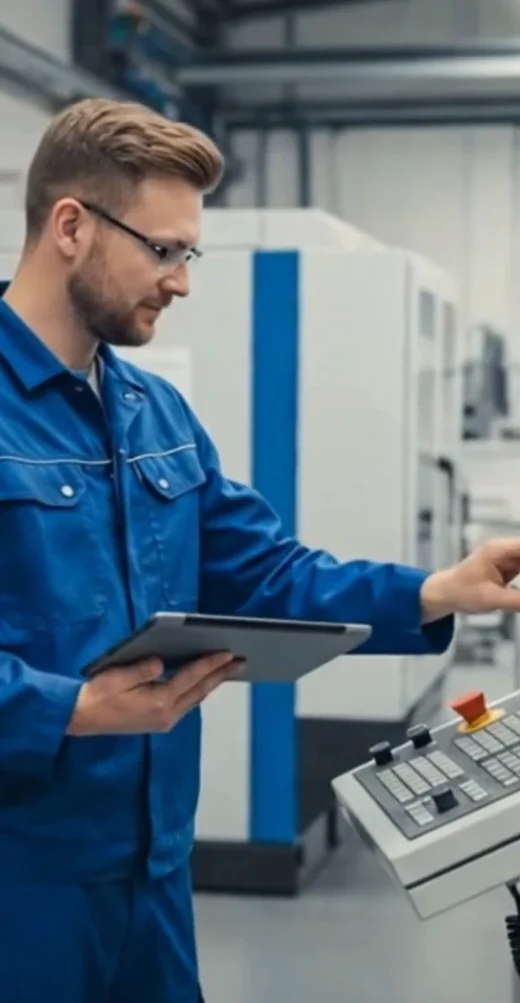
100+ languages, translated in one click
Machine operator at the control panel, guide shown in his language
EN
DE
PL
RO
TR
UK
CS
Press the start button.
Starttaste drücken.
Naciśnij przycisk start.
Apăsați butonul de pornire.
Başlat düğmesine basın.
Натисніть кнопку старт.
Stiskněte tlačítko start.

Stay in control

You decide who sees what, what goes live and who has learned what.

Machine start-up
Submitted by M. Weber
Status
Pending approval
Approved
Reviewer
SK
S. Koch
Approve
Request changes
Live for the Line 2 team
Share clypp
Internal
External
Restricted to
Line 2 team
24
Quality
8
Plant Ulm
112
External link
Partners
Customers
Line 2 team
MW
M. Weber
Production lead
Admin▾
SK
S. Koch
Shift lead
Creator▾
TB
T. Braun
Operator
Viewer▾
Creator▾
Admin
Creator
Viewer
T. Braun can now create guides
Qualification matrix · Line 2
82%
trainings completed
T1
T2
T3
T4
M. Weber
S. Koch
T. Braun
A. Yilmaz
Approval workflows
New or changed content goes to the right manager before it goes live.
Internal and external access
Share inside your workspace or with partners and customers.
Roles and permissions
Assign roles, teams and locations, so ownership stays clear.
Progress tracking
See who has completed which training, in a qualification matrix.

Questions? We're here to help

Clypp is AI software for process documentation made by Zesavi GmbH in Munich, Germany. It turns video and screen recordings into work instructions, SOPs and trainings with quizzes, translates them into more than 100 languages and shares them via link, QR code or integrations. More than 100 industrial companies such as Rational, Elementar and Rosenberger use Clypp.

Is Clypp free to use?
Yes! Just sign up here and start clypping – no credit card required. You can invite up to 5 other team members to your free workspace.
I'm a beginner in video creation. Can I still use Clypp?
Absolutely! Clypp is designed in a way that literally everyone is able to record a high-quality tutorial video.
What do I need to get started?
Clypp works on any web-enabled device (mobile, tablet, laptop, PC, …) and on any main browser (Chrome, Edge, Firefox, Safari). No download required!
How can I share my Clypps?
You can share Clypps within your workspace via protected links – meaning no one outside your workspace can access these links. However, you can also share public links with as many people as you want outside your workspace.
You can share your Clypp in various formats: as QR code, direct embed into EMS, ERP, Microsoft and more.
Is Clypp available on mobile?
You bet! We offer Clypp as a mobile responsive web app, accessible through your smartphone browser. You find our native mobile apps in the Apple App Store and the Google Play Store.
What tools does Clypp work with?
We integrate with practically every digital tool as we provide you with links and embed codes for your Clypps. However, we also offer native integrations in Microsoft Teams, Atlassian Trello, and many more, which gives you an even more seamless experience. 
My company uses VPN access (e.g., Citrix). Can I still use Clypp?
Some companies use VPN – a “Virtual Private Network” – to protect the login to the company network from unauthorized persons. The login to Clypp is also possible via VPN. Due to the browser-based setup of our application, your own screen can easily be recorded in Clypp, regardless if you are using e.g., Citrix Gateway, AnyDesk or other providers.
Is my data secure?
Your data security is our greatest concern. This is why our company and applications are ISO27001 certified. We exclusively host our platform and data on servers in the EU. Please find more detailed information on data security and privacy in our Privacy Policy.
Anything else?
Please send us a message to support@getclypp.com

Empower your team with AI video documentation now