
What are knowledge management tools?
Knowledge management tools are software platforms that centralize, structure and make operational knowledge searchable across an organization. They range from structured company wikis (Confluence) through flexible workspaces (Notion), AI knowledge bases with verification workflows (Guru), video-native platforms (Clypp) and company-wide search engines (Glean). For European teams in 2026, three criteria increasingly decide: EU hosting with GDPR alignment, multilingual delivery and the ability to keep content current, not just to store it.
Why knowledge management is no longer optional in 2026
The data is unambiguous. McKinsey measures that employees spend an average of 1.8 hours per day searching for information, roughly 19 percent of the workweek. Atlassian reports that teams lose up to 25 percent of their workweek hunting for answers. Gartner cites 47 percent of the workday spent on search and an average of 18 minutes per document. An Adobe study found that 48 percent of employees regularly struggle to find documents.
On the return side, McKinsey reports 20 to 25 percent productivity gains for organizations with mature knowledge management. According to Speakwise 2026, over 70 percent of large enterprises have already implemented at least one knowledge management system. The question is rarely if, but which combination of tools fits and how the content stays current.
The most common failure mode: knowledge management tools are picked for the editor experience but fail on maintenance. If content is not kept current, you get an AI that answers confidently from stale content. That is more dangerous than no answer at all.
Categories: which tool type fits which need
Before comparing vendors, sort your need along three axes.
Internal vs. external knowledge base
Internal tools serve employees (Confluence, Notion, Guru, Nuclino, Slite, Tettra, Clypp). External tools form a help center for customers (Document360, Zendesk Guide, HubSpot Knowledge Base). Trying to solve both in one tool usually produces a compromise that covers neither case well.
Text-first vs. video-native
Classical knowledge bases (Confluence, Notion, Guru, Nuclino, Slite, Tettra) are text-centric. Video is supported as an embed but not maintained as a primary format. Video-native tools (Clypp) invert the relationship. Bloomfire sits in between with transcript search on uploaded videos.
Siloed vs. unified
Most tools build their knowledge in isolation. Glean and similar enterprise search engines pull knowledge from connected sources (Slack, Google Drive, Salesforce, Jira). For enterprises with many tools, the connector story becomes a selection criterion.
The 10 best knowledge management tools 2026 at a glance
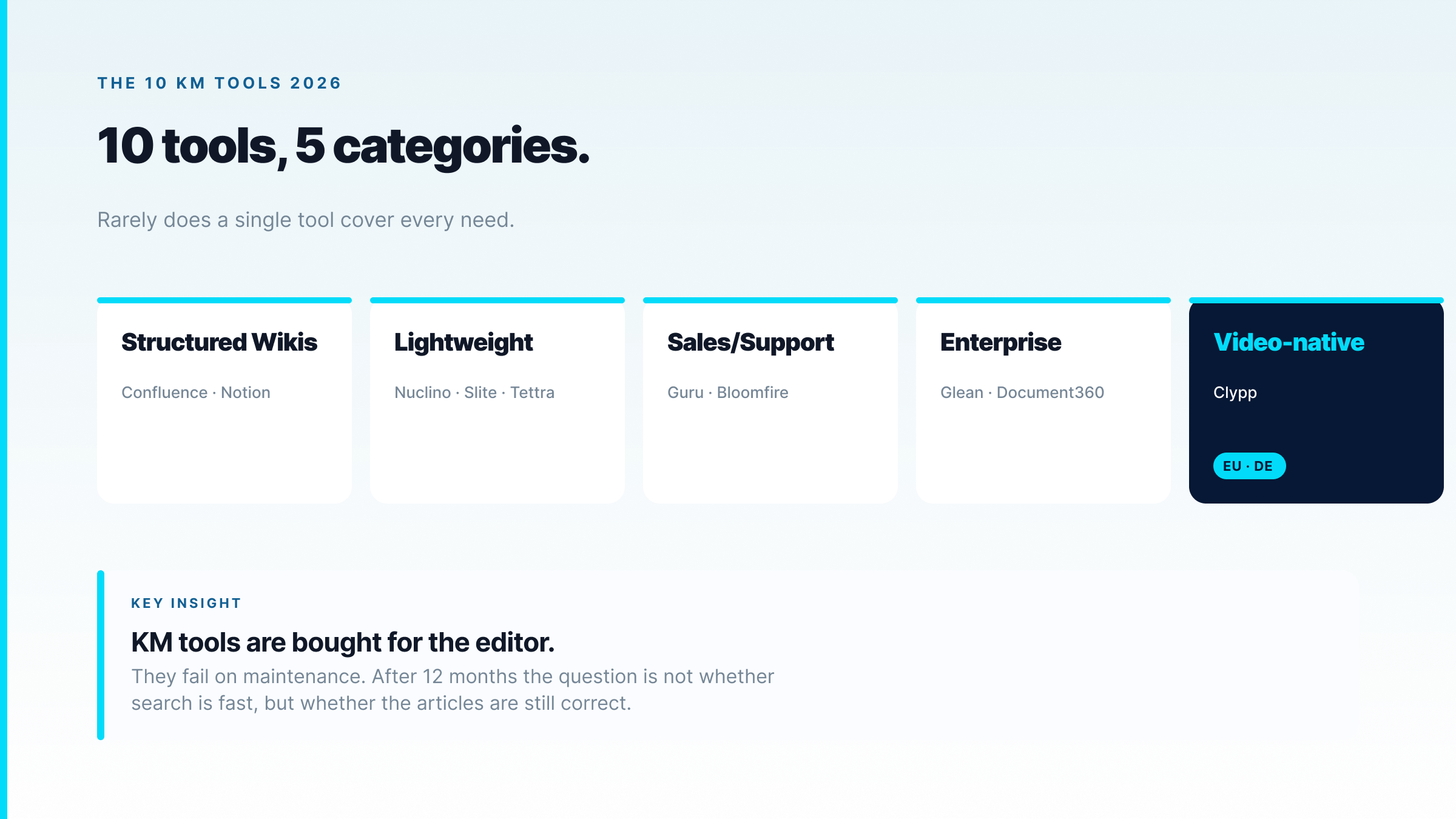
| Tool | Category | Video native | EU hosting | Origin | Best fit | Entry price |
|---|---|---|---|---|---|---|
| Clypp | Video knowledge hub | Yes, AI-structured | Germany | DE (Munich) | How-tos, work instructions | Free tier |
| Confluence | Structured wiki | Embed only | Yes (Paid Cloud) | AU (Atlassian) | Team docs, Jira teams | Free up to 10 / ~$6/user |
| Notion | Flex workspace | Embed only | No (US) | US | Notes, docs, projects | Free / ~$10/user |
| Guru | AI knowledge base | No | Limited | US | Sales and support knowledge | ~$15/user/mo |
| Nuclino | Lightweight wiki | Embed only | Yes (Frankfurt) | DE roots | EU SMB, Notion alternative | Free / ~$6/user |
| Slite | Team docs | Embed only | Yes (Paris) | FR | Remote teams, AI search | ~$8/user/mo |
| Tettra | Slack wiki | No | Limited | US | Slack-native small teams | ~$4/user/mo |
| Glean | Enterprise search | Search only | Yes (Enterprise) | US | Company-wide search | Enterprise |
| Document360 | Customer help center | Embed only | Limited | US/IN | External docs, SaaS help | ~$149/project |
| Bloomfire | Knowledge hub | Yes (transcript search) | No (US) | US | Sales enablement | Enterprise |
Prices reflect publicly listed rates as of mid-2026 and can change. Clypp's current plan details are at getclypp.com/pricing.
Deep dive: the 10 tools
Screenshots of the vendor websites in this section were taken on 11 October 2026.
1. Clypp
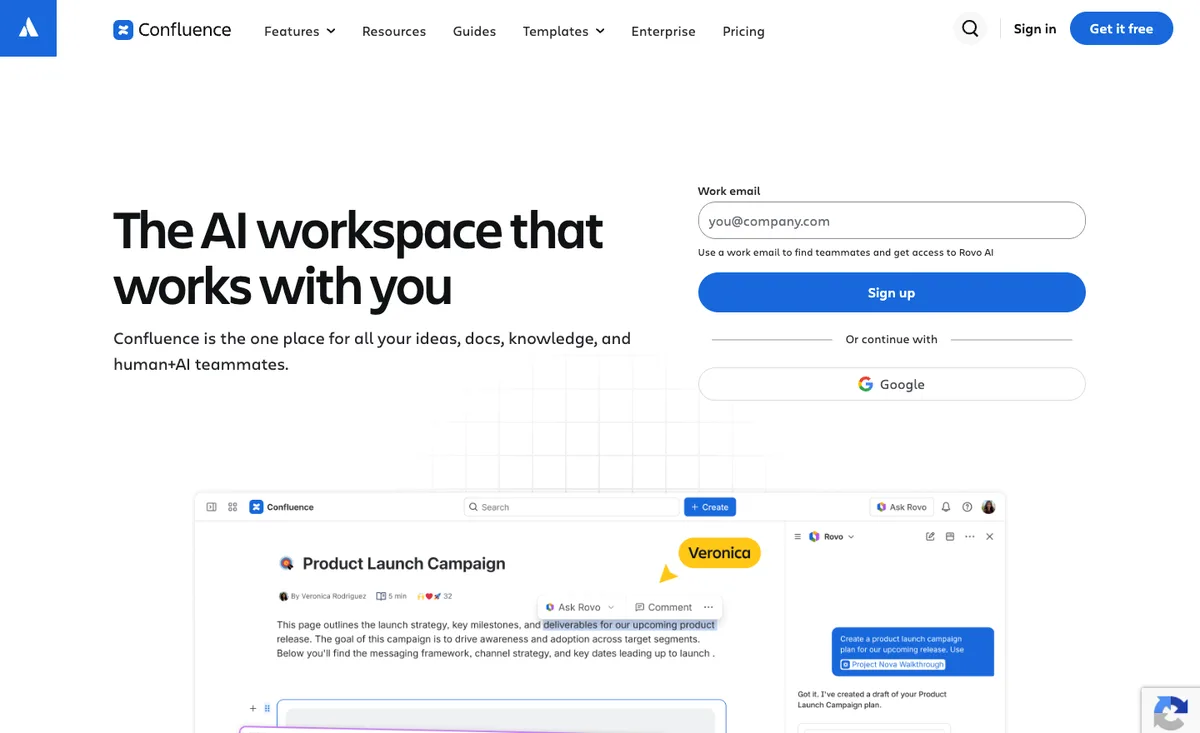
Video-native knowledge management platform built by Zesavi GmbH in Munich. The subject matter expert records a task in the browser, on webcam or smartphone; AI automatically segments into steps with screenshots and voice-over, auto-translates into 100+ languages, exports as video, PDF, SCORM or embedded Teams card. Audit-conform metadata (version, author, timestamp) attached automatically, directly usable for ISO 9001, DGUV V1 and GoBD procedural documentation. ISO 27001 certified, EU hosted in Germany, GDPR compliant. Native integrations for Microsoft Teams, Trello, Jira and SAP. Best fit: how-to knowledge, work instructions, multilingual guides, regulated environments. Entry: free workspace without a credit card; see getclypp.com/pricing.
What sets Clypp apart in this list: it is the only tool here that automatically turns a camera recording of manual work into a step-by-step guide. A technician films an assembly step with a phone, explains it while working, and Clypp generates the steps with images, instructions and an AI voice-over. The same works for software via screen recording, including desktop applications such as SAP GUI. Changes are made by re-recording a single step. Faces in the picture can be blurred automatically, and instructions reach the workstation via QR code or the mobile app with offline playback.

2. Confluence
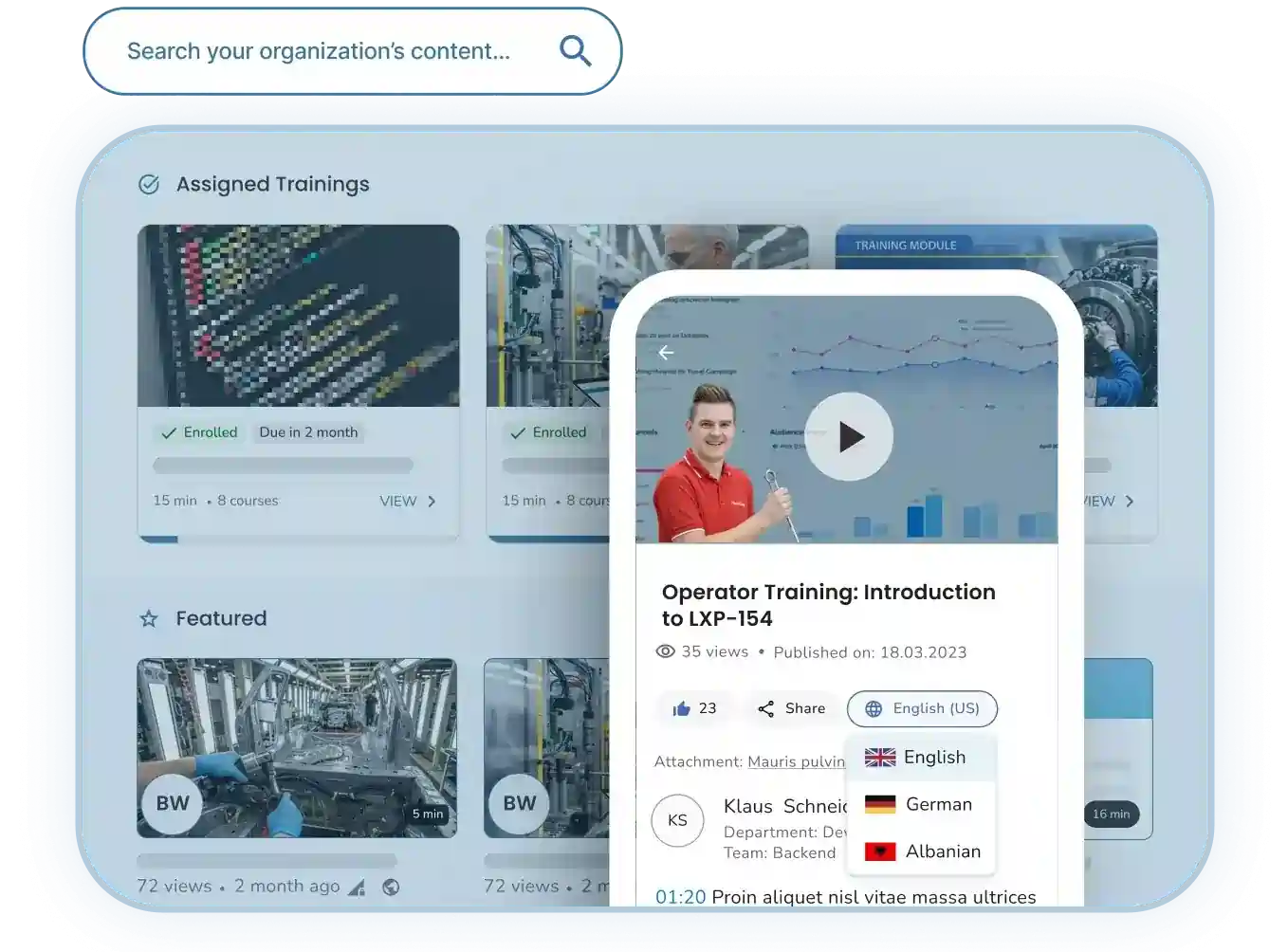
Structured company wiki from Atlassian (Sydney), on the market since 2004. Built around spaces, sub-pages and templates, with Atlassian Intelligence as an AI layer (Rovo AI included in Premium and Enterprise). Best fit: teams with a Jira environment, classical team documentation, meeting notes, project documentation. EU data residency available on paid Cloud plans. Limits: steep learning curve for new users, video is embed only. Entry price: free up to 10 users; Standard from about $6 per user per month.
3. Notion
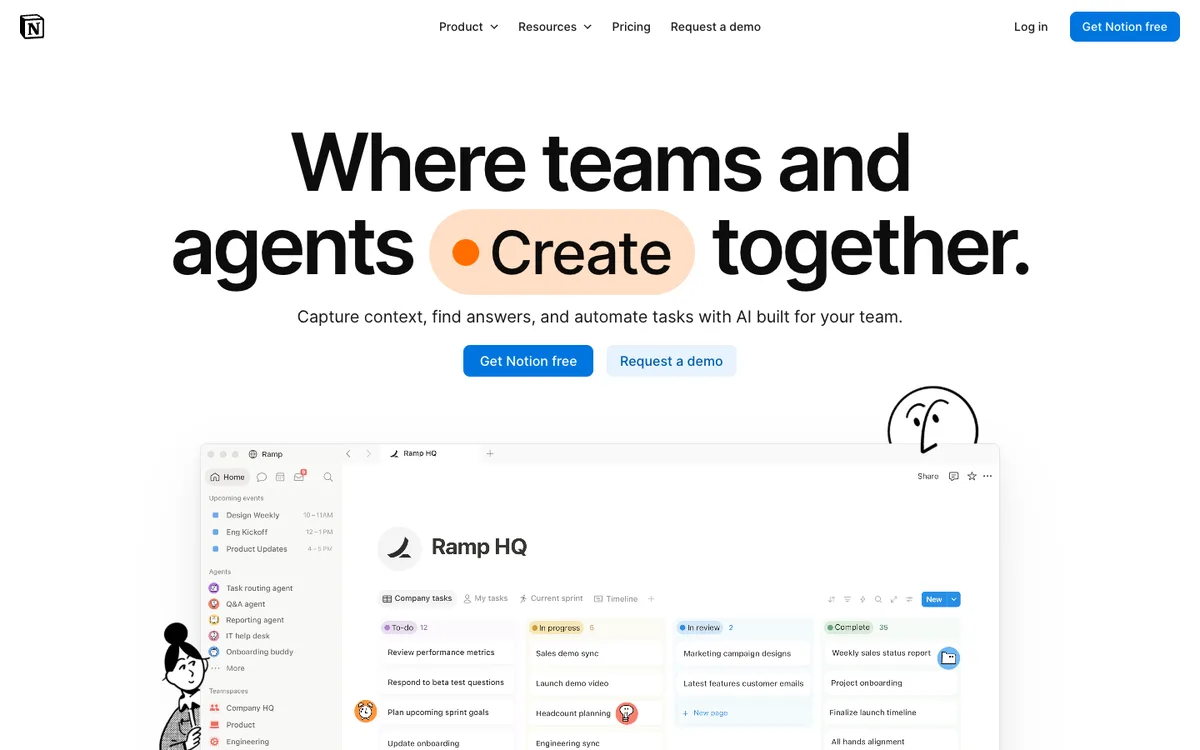
Flexible workspace out of San Francisco (100+ million users worldwide), built around blocks, databases and templates. Notion AI as an integrated layer for search, summarization and content generation. Best fit: small to mid-sized teams bundling notes, docs, projects and wiki in one tool. Limits: US hosting (no default EU data residency), does not enforce currency, pages rot without discipline. Entry price: generous free tier; Plus from about $10 per user per month.
4. Guru
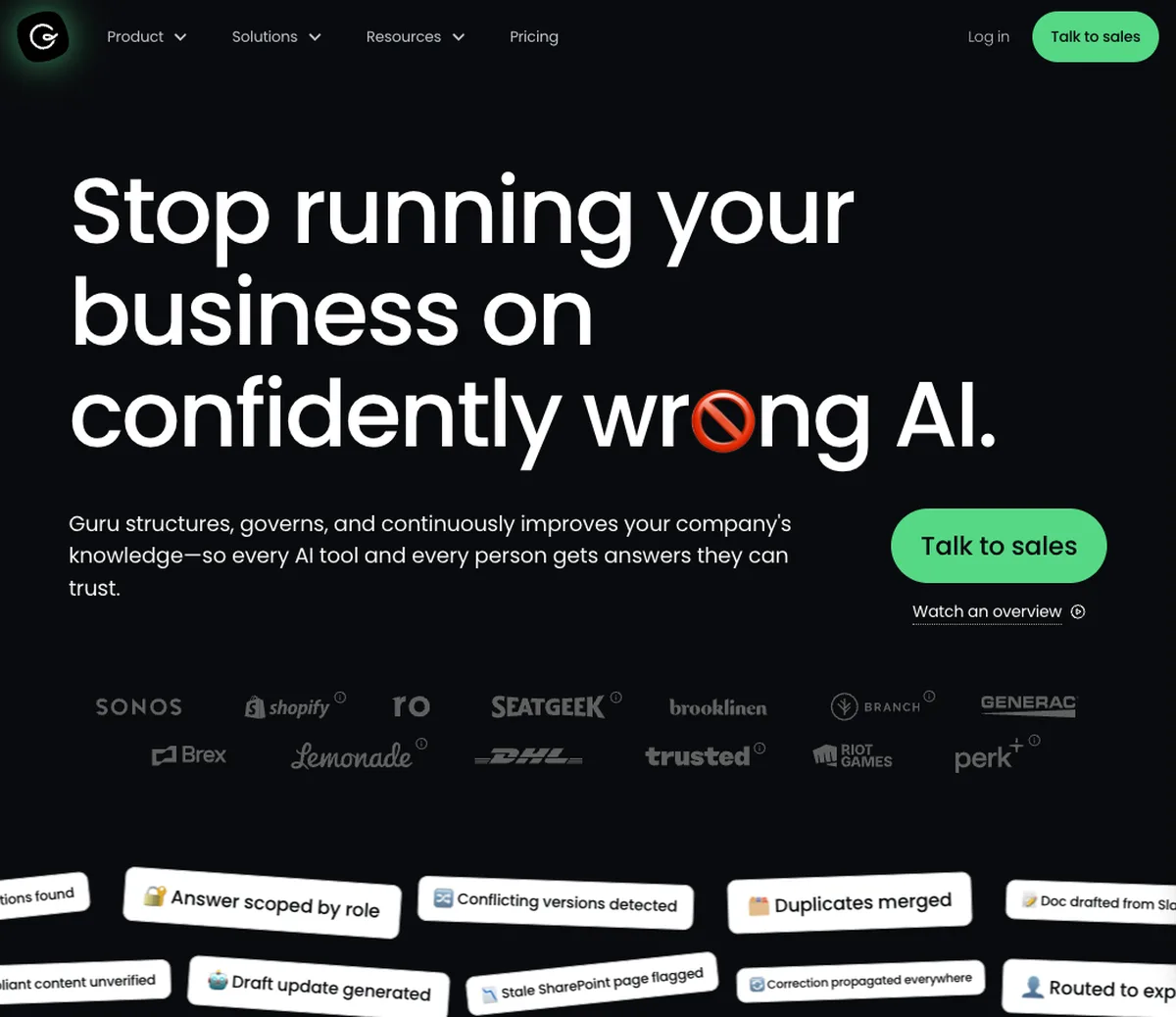
AI-driven knowledge base from Philadelphia for sales and support teams. Distinctive verification workflows force knowledge owners to review articles regularly, manually addressing the currency question. Native Slack and Chrome integration. Best fit: sales and support organizations that want to verify knowledge in the chat context. Limits: US bias, EU hosting is not standard. Entry price: from about $15 per user per month.
5. Nuclino
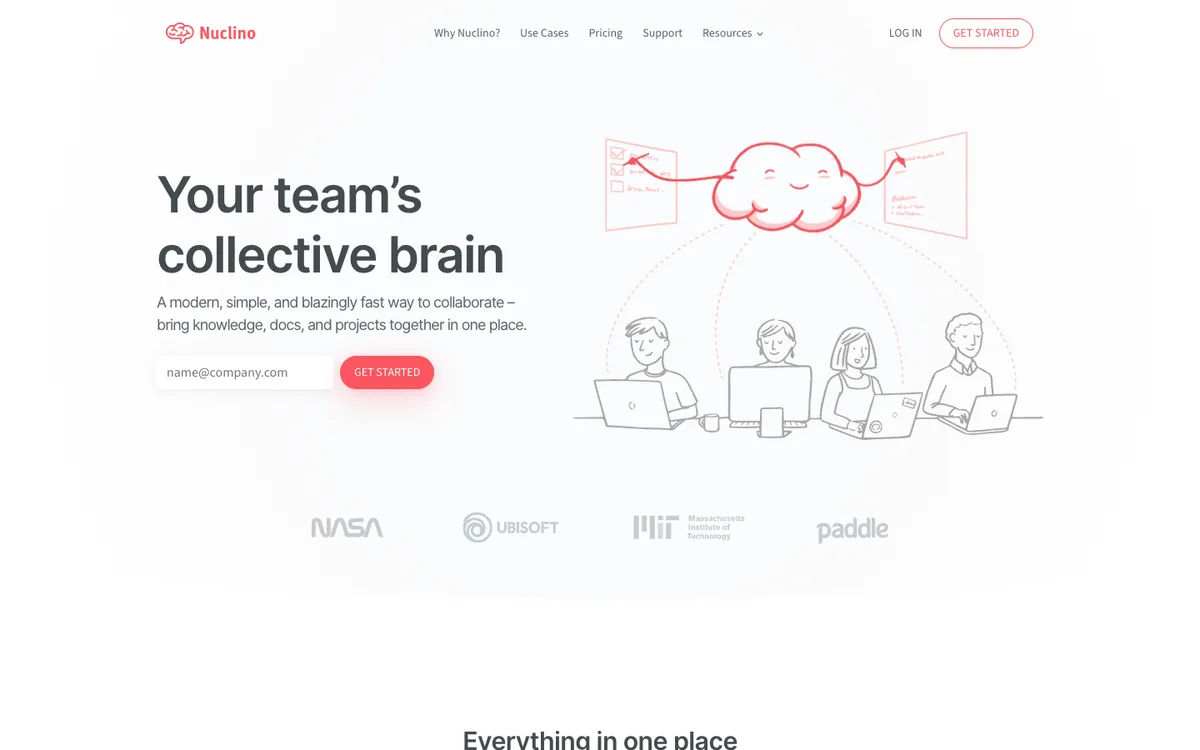
DACH favorite for teams that find Notion too chaotic and Confluence too heavy. German roots, EU hosting in Frankfurt available. Real-time collaboration, visual canvas, AI Sidekick. Best fit: European SMBs looking for a lean, GDPR-aligned Notion alternative. Limits: no native help-center publishing, no multi-brand logic, no video focus. Entry price: free tier; Standard from about $6 per user per month.
6. Slite
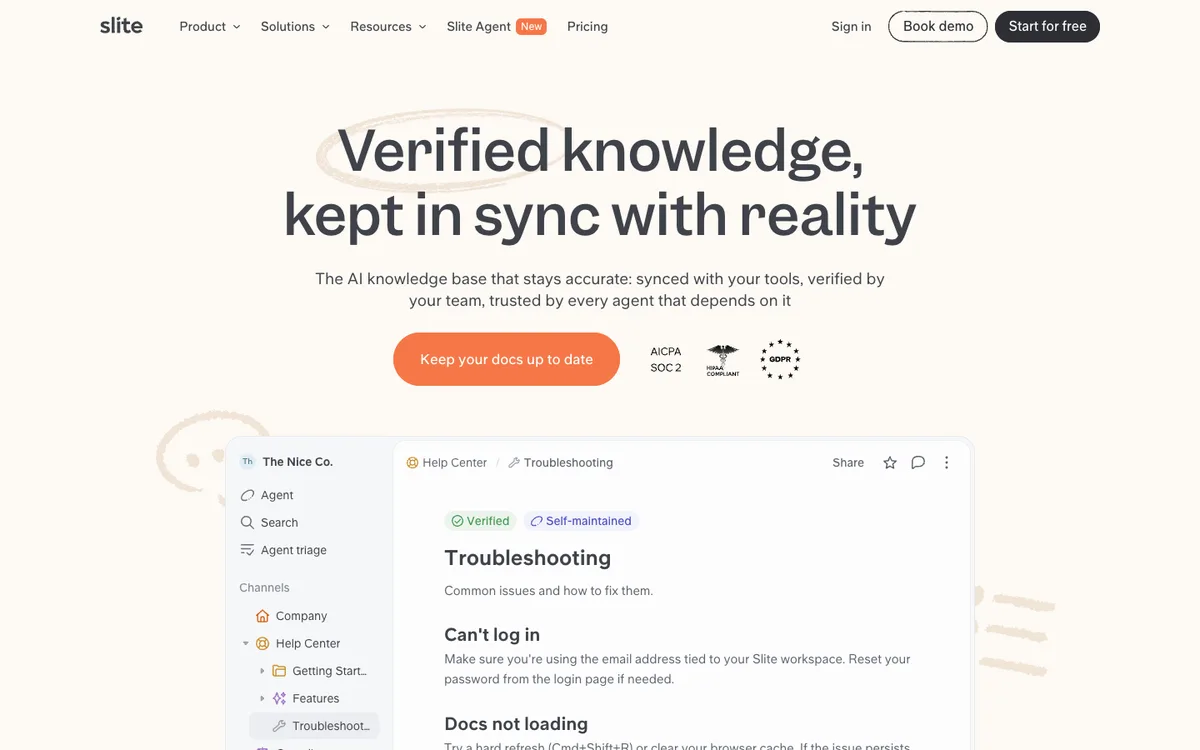
French tool from Paris, AI-powered, with a clear focus on distributed and remote teams. Its 'Ask' feature answers questions from the workspace knowledge with AI. EU hosting through French origin. Best fit: mid-sized remote teams looking for a lean, AI-native documentation platform. Entry price: from about $8 per user per month.
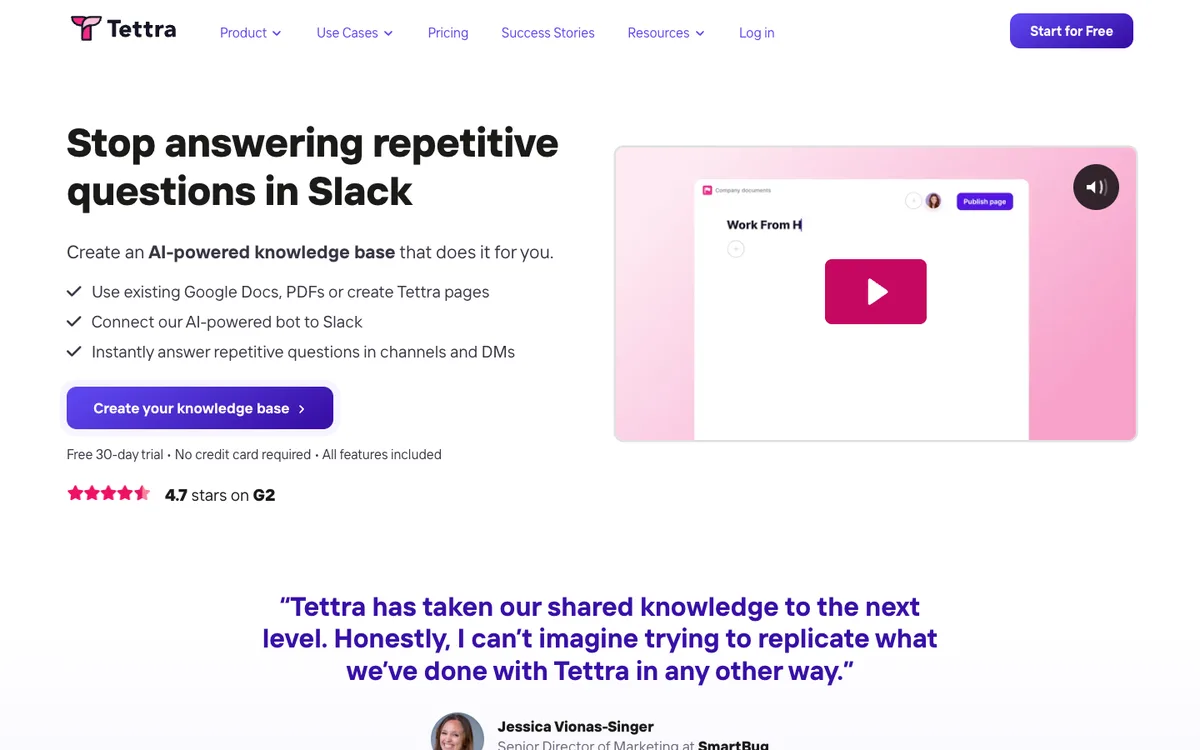
7. Tettra
Lean internal knowledge base, deeply integrated with Slack, out of Boston. Question-and-answer workflow directly inside Slack. Best fit: small teams using Slack as their communication hub and looking for a lightweight knowledge store. Limits: US hosting, limited feature set beyond Slack. Entry price: from about $4 per user per month.
8. Glean
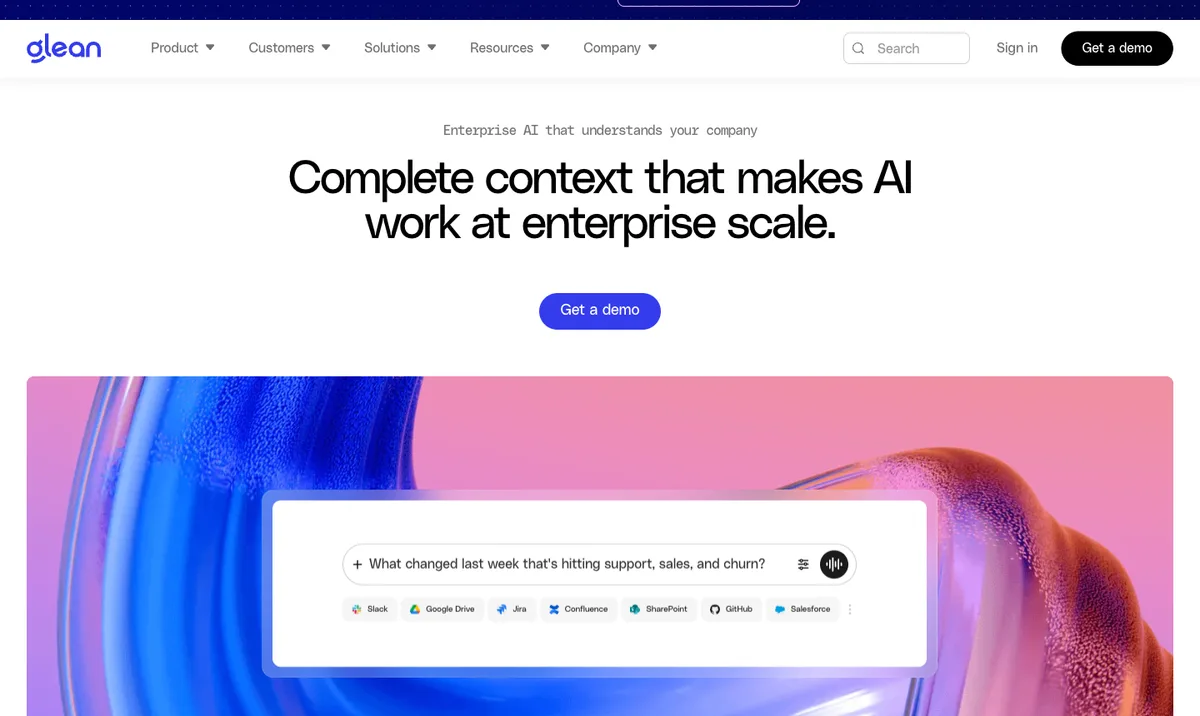
Company-wide AI search engine from Palo Alto with 275+ connectors to all common enterprise tools (Slack, Google Drive, Salesforce, Jira, Confluence, Notion). Does not build its own knowledge store, instead searches across existing systems. Best fit: enterprises with a heterogeneous tool stack looking for a unified search experience. Limits: enterprise pricing structure, no content creation tool. Entry price: enterprise offer on request only.
9. Document360
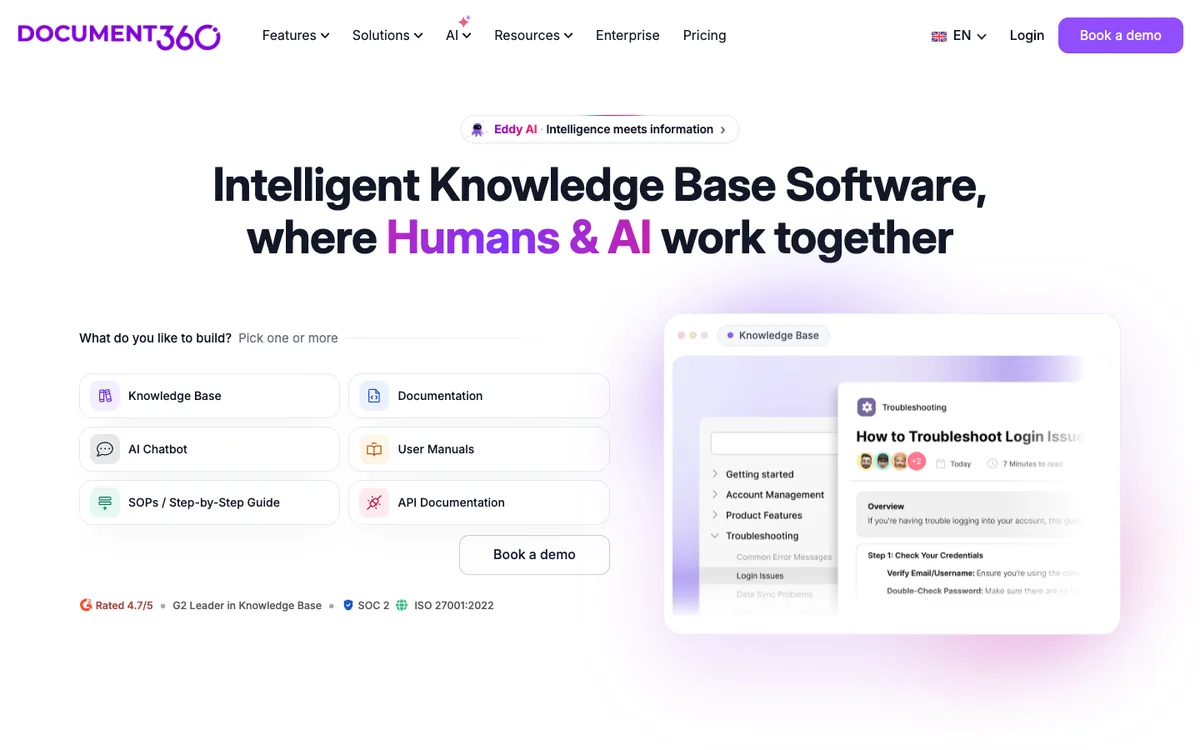
Dedicated help-center tool from India and the US for customer-facing documentation. Version control, multi-language, analytics. Best fit: SaaS vendors needing a professional customer help center. Limits: not designed for internal knowledge base, project-based pricing can get expensive with multiple products. Entry price: from about $149 per project.
10. Bloomfire
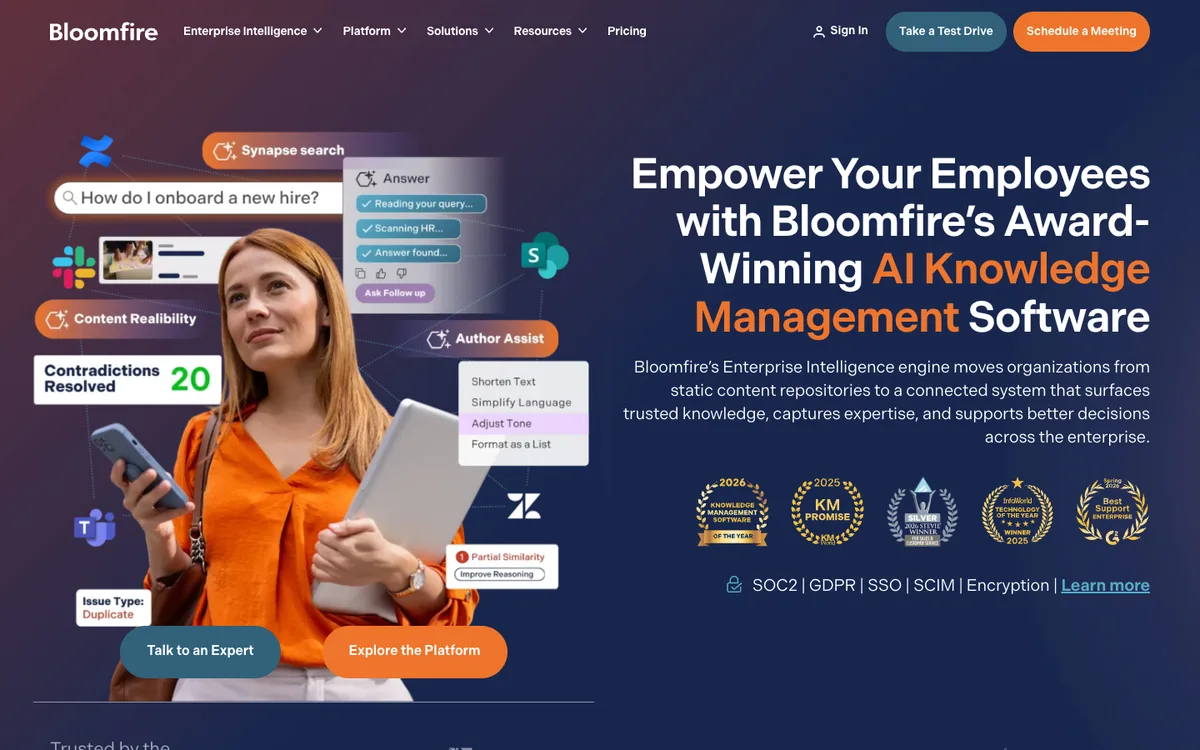
Enterprise knowledge hub out of Austin with a distinctive feature: deep indexing that transcribes audio and video content and makes it searchable. Best fit: sales enablement organizations with many recordings of presentations and customer calls. Limits: US hosting, enterprise price level. Entry price: enterprise offer on request.
European-specific selection criteria
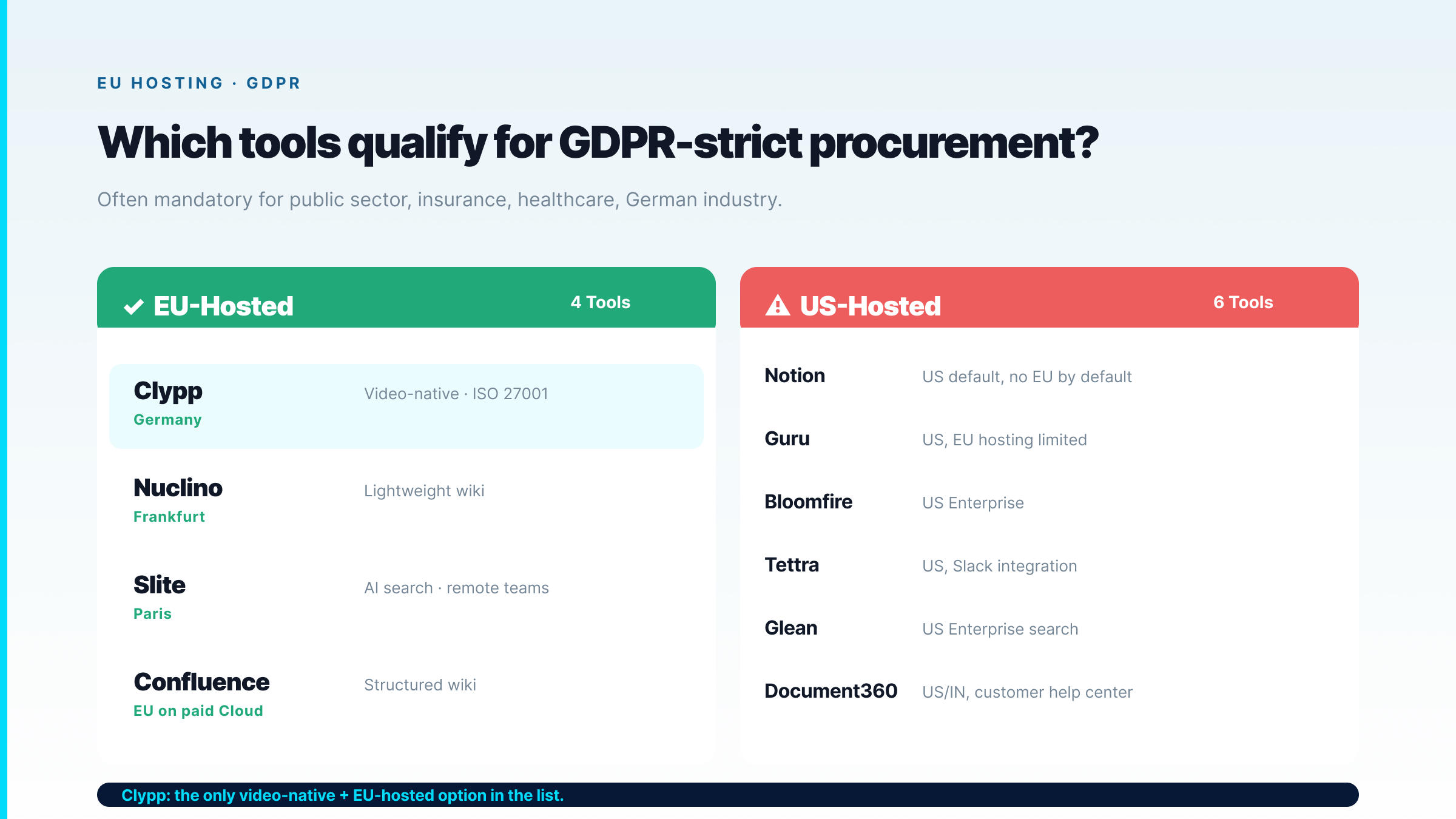
For European companies the priorities shift compared to the US market. Five points that appear in almost every selection process.
• EU hosting and GDPR. For public sector, insurance, healthcare and many industrial companies EU-only is a standard requirement. Clypp, Nuclino, Slite and Confluence (on paid Cloud plans) qualify here without extra contractual work.
• Multilingual delivery. Shop floors and service sites often have 5 to 10 language groups. Classical text tools require manual translation per language. Only video-native tools like Clypp offer voice-over translation at one click.
• Audit compliance. For ISO 9001, GoBD and DGUV V1, version, author and timestamp metadata are mandatory. Confluence, Guru, Bloomfire and Clypp fulfill this natively; other tools only partially.
• Integration with the existing stack. MS Teams, SAP, Confluence (if already in place), Jira, SharePoint. Native integrations decide adoption.
• Works council approval. Tools with strong user tracking (video view statistics, activity logs) typically require a works council agreement in Germany. Involve early.
The maintenance trap: why most knowledge bases fail
The most consistent finding from several 2026 comparison studies: knowledge management tools are bought for the editor, they fail on maintenance. After 12 months the question is not whether the search is fast, but whether the articles are still correct.
Three levers against decay:
• Explicitly budgeted maintenance hours per month, per owner area. Without a time budget no review.
• Clear owner assignment per article or per area. A wiki article without an owner rots without anyone noticing.
• Tools with staleness detection. Guru enforces verification after time lapse, HappySupport reconciles articles against the GitHub state, Clypp links video version to the actual process.
A knowledge management tool without these three levers becomes a digital cardboard box, where knowledge is thrown in and no one takes anything out.
Combined setups instead of a single-tool strategy
Mature European organizations rarely run just one knowledge management tool in 2026. Typical, functioning combinations:
• Confluence or Notion for general team documentation, plus Clypp for video-based how-tos, work instructions and onboarding guides.
• Nuclino as a lean, GDPR-aligned wiki base, plus Clypp for video-native how-tos, plus Document360 as a customer-facing help center.
• Confluence as the established wiki, plus Glean as company-wide search on top, plus Clypp for manufacturing and maintenance instructions with QR code at the workstation.
The common denominator: no single category covers all needs. A text wiki handles video instructions poorly, a video tool handles meeting notes poorly, an enterprise search tool creates no content.
Frequently asked questions
What is the difference between a knowledge base and a knowledge management tool?
A knowledge base is the storage, the library. A knowledge management tool is the practice around it: capturing knowledge, connecting it with context and processes, making it findable and keeping it current. In practice the terms are used interchangeably; the boundary is blurry.
Which knowledge management tool is best for GDPR requirements?
EU-hosted tools are the default choice. Clypp (Germany), Nuclino (Frankfurt), Slite (Paris) are fully EU-anchored. Confluence offers EU data residency on paid Cloud plans. Notion, Guru, Bloomfire and most US-based tools require contractual extra work.
Is Confluence or Notion the better choice?
Confluence suits teams with strict page hierarchy and a Jira environment, particularly in larger organizations. Notion suits smaller teams that value flexibility and want to bundle notes, projects and docs. For European companies with strict GDPR requirements, Confluence on a paid Cloud plan or an EU alternative like Nuclino is often the better choice.
Does Clypp replace Confluence or Notion?
No, Clypp does not replace them. Clypp is video-native and optimized for how-tos, work instructions, software walkthroughs and onboarding. For general notes, meeting minutes and project documentation, Confluence and Notion remain the fitting choice. Many customers run both in parallel, with Clypp videos embedded in Confluence or Notion pages.
What does knowledge management software cost in 2026?
Free tiers with Notion, Nuclino and Confluence (up to 10 users). Mid-range 6 to 25 dollars per user per month for Confluence, Nuclino, Slite, Tettra, Guru. Dedicated enterprise tools like Glean or Bloomfire on request only. Documentation tools like Document360 use project pricing from 149 dollars. Clypp offers a free tier without a credit card; current details at getclypp.com/pricing.
How do I prevent knowledge articles from going stale?
Three levers: explicitly budgeted maintenance hours per month, clear owner assignment per article, and tools with staleness detection. Guru has manual verification workflows, Clypp links video version state to the process state. Classical wiki tools rely on employees to proactively conduct reviews, which rarely happens in practice.
Do I additionally need an enterprise search like Glean?
Only with a very heterogeneous tool stack in large organizations. For teams under 500 people, search within the knowledge base plus one or two connectors (Slack, Google Drive) is usually enough. Glean and similar tools pay off at a size where knowledge is actually spread across ten or more systems.
Bottom line
Knowledge management in 2026 is not a question of the one right tool but of the right combination. Confluence and Notion remain the dominant text wikis. Nuclino and Slite offer lean, EU-hosted alternatives. Guru brings verification workflows, Bloomfire transcript search on video, Glean company-wide search. For video-based how-to knowledge, multilingual work instructions and regulated environments, Clypp is the specialized complement, built in Munich, hosted in Germany, purpose-designed for ISO 9001, GDPR and DGUV V1. The decision should weight maintenance, data residency and compliance more than the editor.
The wiki answers the what. Rarely the how.
Confluence, Notion and Guru are strong at holding decisions, policies and structure. They get weak where knowledge is movement, a grip, a setting, an exception. Clypp fills exactly that gap rather than replacing the wiki.
- Video guides alongside your existing wiki: embedded in Teams, an LMS or Confluence.
- Recorded by the person who can do it: not by an editorial team.
- Hosted in Germany: for environments with GDPR and ISO requirements.
Clypp is a software platform from Germany for video work instructions. In use at RATIONAL, Rosenberger and Elementar, among others.

